- 15 - English language
346-074-1.fmIDM
▬▬▬▬▬▬▬▬▬▬▬▬▬▬▬▬▬▬▬▬▬▬▬▬▬▬▬ MF/914 MICROWAVE OVEN
"Fast cook" mode settings
"Fast cook" processes food product in microwave mode at maximum power. (100%)
1. In standby, press button (H) to automatically start "Quick cooking" mode.
Each time button (H) is pressed, the cooking time increases by 30 seconds.
Setting the "Timed quick cooking" mode
"Timed quick cooking" treats the food product in microwave mode, at maximum power
(100%).
1. In standby, turn selector (L) counter-clockwise to set the cooking time, and press button
(H) to automatically start "Timed quick cooking" mode.
Each time button (H) is pressed, the cooking time increases by 30 seconds.
Setting of "Automatic" mode
1. In standby, turn selector (L) clockwise and select the desired cooking program.
2. Press button (H) to confirm the selection and turn selector (L) again to set the weight of
the food to cook.
3. Press button (H) to confirm selection and start the cooking cycle.
When the cooking cycle has started, the display (A) will show the remaining cooking
time.
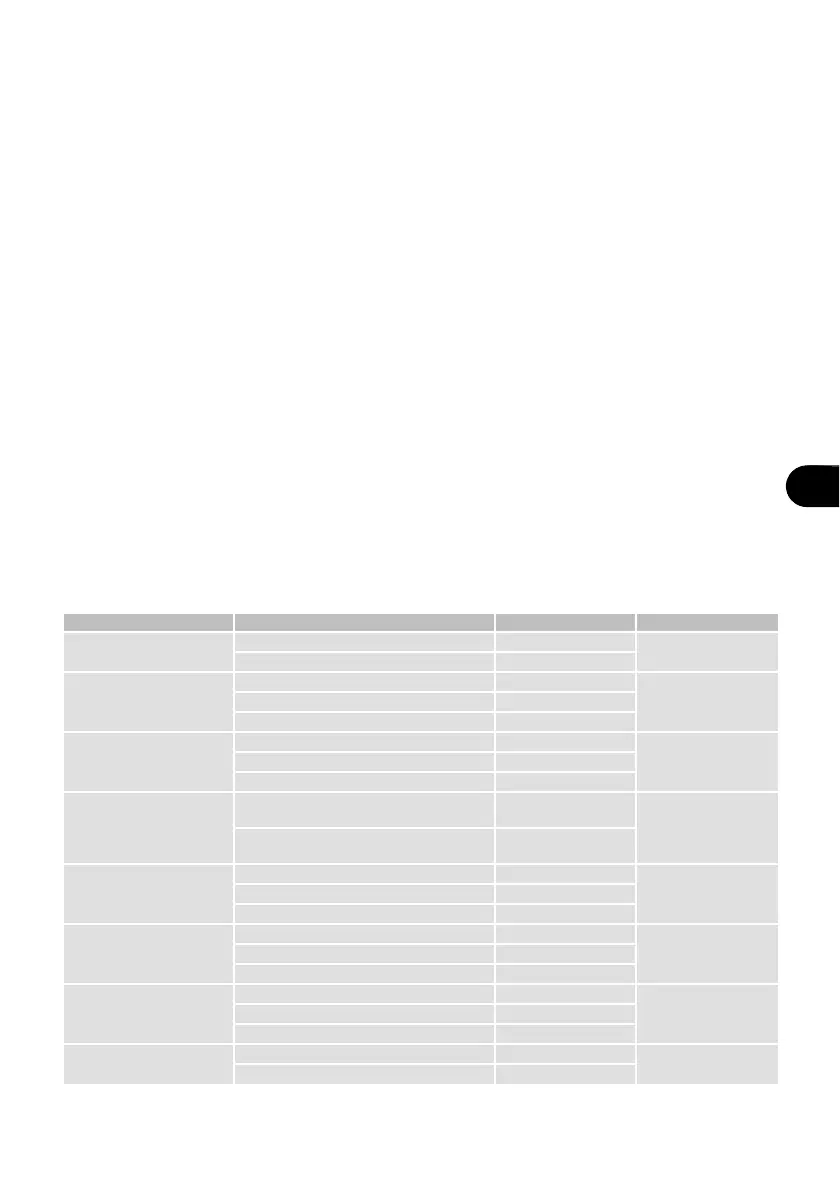
Table 5: "Automatic" mode
Mode Weight (g) Display Power
A-1
Pizza
200 200
100%
400 400
A-2
Meat
250 250
100%350 350
450 450
A-3
Vegetables
200 200
100%300 300
400 400
A-4
Pasta
50
(with 450 g of cold water)
50
80%
100
(with 800 g of cold water)
100
A-5
Potatoes
200 200
100%400 400
600 600
A-6
Fish
250 250
80%350 350
450 450
A-7
Beverages
1 glass (about 120 ml) 1
100%2 glasses (about 240 ml) 2
3 glasses (about 360 ml) 3
A-8
Pop Corn
50 50
100%
100 100


 To Next Page