▬▬▬▬▬▬▬▬▬▬▬▬▬▬▬▬▬▬▬▬▬▬▬▬▬▬ MC/1452 MICROWAVE OVEN
346-074-1.fmIDM
- 24 - English language
OPERATING MODES
Operating and programming modes for the various appliance functions are listed.
Notwithstanding the selected use and programming mode, the end of each process-
ing is shown by an acoustic alarm.
Before programming the new processing cycle, press button (H) to reset the equip-
ment.
Current time settings
1. Press button (N) and select the desired size: 12h or 24h.
2. Press buttons (F) sets the time that appears on display (A).
3. Press the button (M) to confirm the set time.
Setting of the "Microwave oven" mode
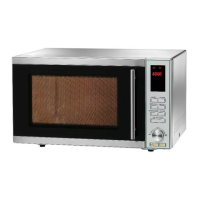
1. Press button (B) to select the "Microwave oven" mode.
2. Press the same button (B) repeatedly to select the desired power level.
3. Press buttons (F) sets baking time that appears on display (A).
4. Press button (G) to start the selected processing cycle.
Table 3: "Microwave oven" mode
Display Power level
P100 100%
P80 80%
P50 50%
P30 30%
P10 10%


 To Next Page