- 27 - English language
346-074-1.fmIDM
▬▬▬▬▬▬▬▬▬▬▬▬▬▬▬▬▬▬▬▬▬▬▬▬▬▬ MC/1452 MICROWAVE OVEN
"Fast cook" mode settings
"Fast cook" processes food product in microwave mode at maximum power.
1. Press button (G) to start the "Quick cooking" mode automatically. Always when you
press button (G) time is increased by 30 seconds.
Setting of "Heating" mode
1. Press button (L) to select the "Heating" mode; by pressing the button repeatedly, display
(A) will show messages "h-1", "h-2", "h-3", "h-4".
2. Press button (G) to confirm the selected processing cycle.
3. Press button (L) repeatedly in order to set the weight of the food to be baked.
4. Press button (G) to start the selected processing cycle.
Setting of "Thawing" mode (according to time)
1. Press button (M) to select the "Defrosting" mode of operation; message "d-1" will ap-
pear on display (A).
2. Press buttons (F) sets baking time that appears on display (A).
3. Press button (G) to start the selected processing cycle.
Setting of "Thawing" mode (according to weight)
1. Press button (M) twice to select the "Defrosting" mode of operation; message "d-2" will
appear on display (A).
2. Press buttons (F) to set the weight of product (100÷2000g) that appears on display (A)
3. Press button (G) to start the selected processing cycle.
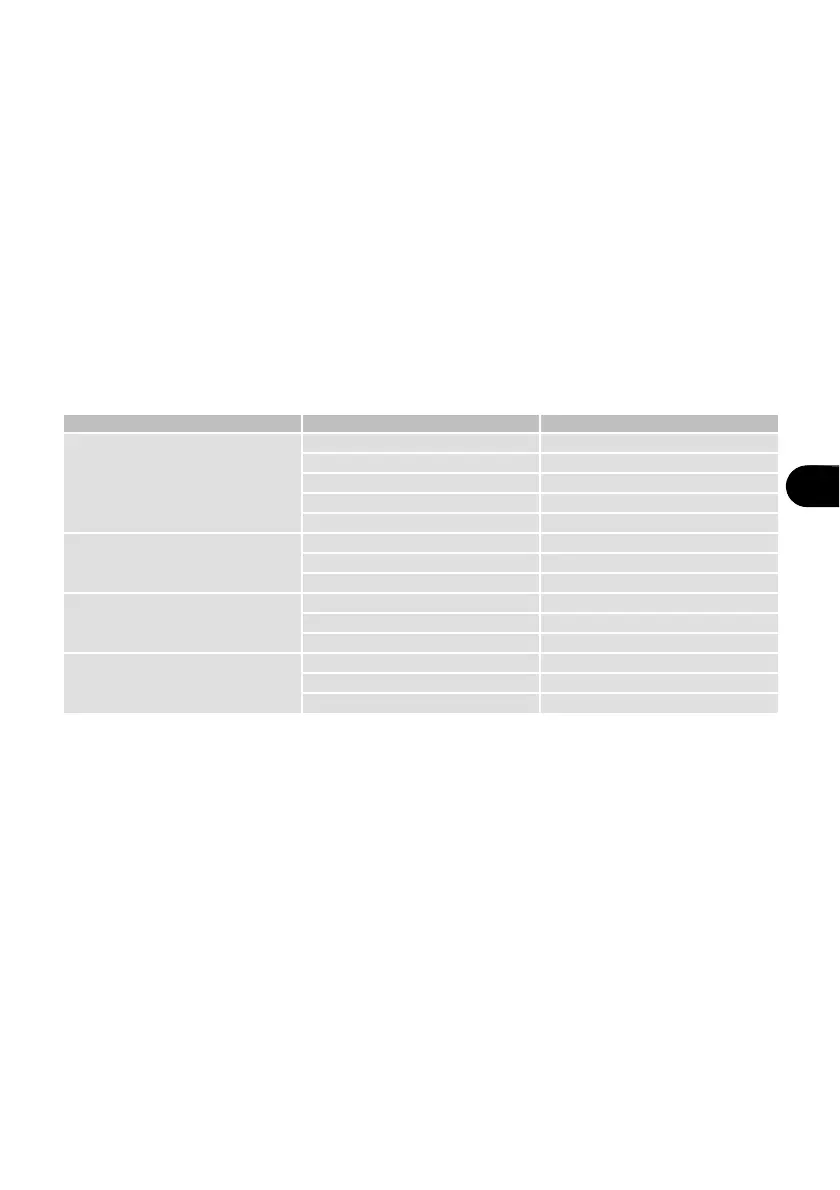
Table 6: "Heating" mode
Mode Display Weight
h1
Self-heating
150 150g
250 250g
350 350g
450 450g
600 600g
h-2
Pre-cooked food
250 250g
350 350g
450 450g
h-3
drinks-coffee
1 240g
2 480g
3 720g
h-4
buns-croissant
1 70g
2 140g
3 210g


 To Next Page