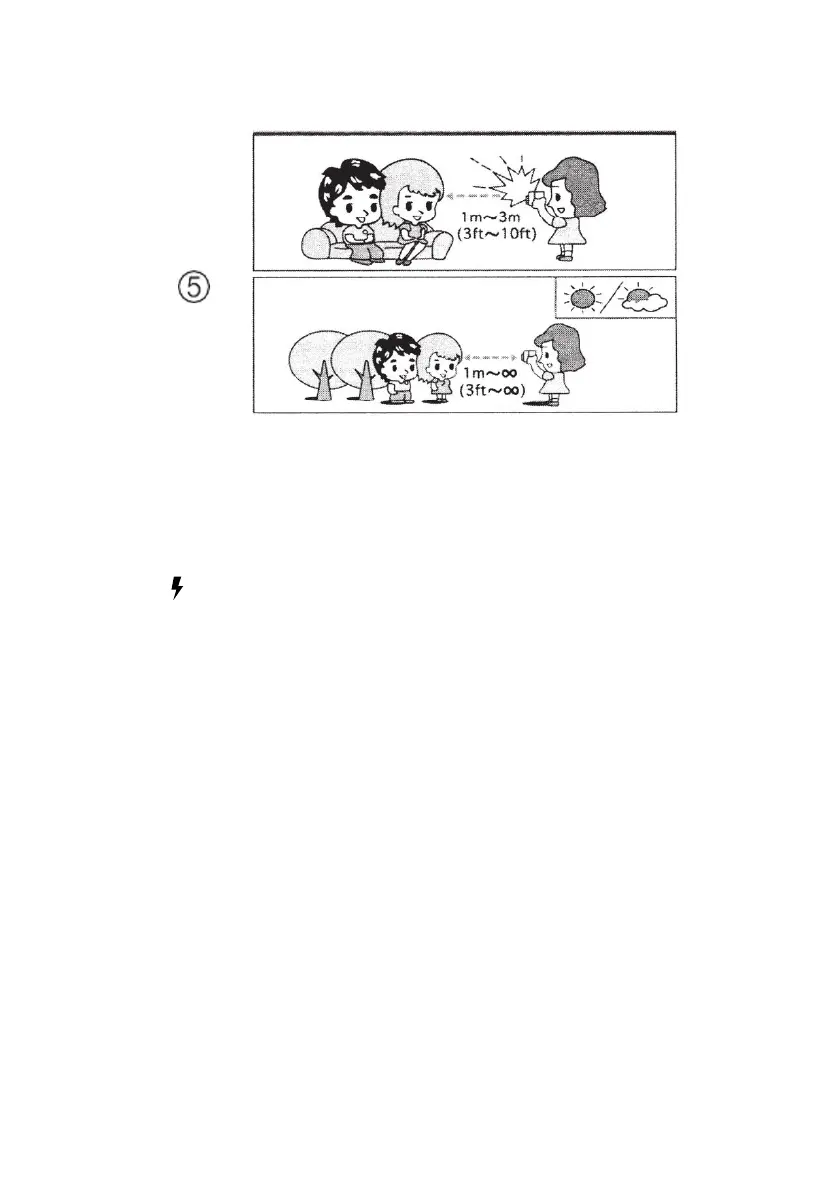
• Where required you can use the flash function by
activating the flash (K) using the flash on/off button
(P)
• To turn on the flash, slide the flash button to the
“ ”position
• When turned on please wait for the flash ready
indicator (O) to illuminate to indicate that the flash is
ready for use.
• After taking a flash photo please wait for the flash
ready indicator (O) to illuminate again before taking
your next flash photo.
• In the case where the flash (K) does not activate or
the flash ready indicator does not illuminate please
replace the AA battery and try again.














 To Next Page