EasyManua.ls Logo

Easypix Cyberscanner View - User Manual

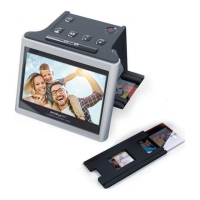
Easypix Cyberscanner View
27 pages
Print Icon
To Next Page IconTo Next Page
Loading...
-0-
EN
Question and Answer IconNeed help?

Do you have a question about the Easypix Cyberscanner View and is the answer not in the manual?

Summary

WELCOME

Safety Precautions

Essential safety guidelines for operating the Cyberscanner to prevent accidents and damage.

Start Using Your Cyberscanner

Operation of the Cyberscanner

Settings for Film Scanning

Steps to select film type and size for scanning.

Image Resolution

Place Slide; Film Into The Holder

Image Brightness and Color Adjustment

Playback and Delete Mode

SD Card Formatting

Reviewing Images on a TV Screen

Downloading Images to Computer

Specifications

PC System Requirements

Mac System Requirements

Easypix Cyberscanner View Specifications

General IconGeneral
Scanner typeFilm scanner
Sensor typeCMOS
Color depth24-bit
InterfaceUSB 2.0
Power sourceUSB powered
Supported film typesSlides
Scanning TechnologyCMOS

Related product manuals