Need help?
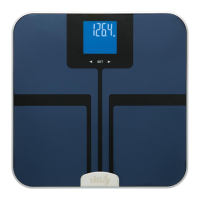
Do you have a question about the Eat Smart Precision GetFit ESBS-06 and is the answer not in the manual?
Guide for inserting batteries and selecting measurement units (lbs, kg, stones).
Steps for calibrating the scale and taking accurate weight measurements.
Instructions for creating user profiles, including gender, height, and age for body composition analysis.
Process for the scale to recognize users automatically after profile setup.
Steps for the scale to identify users based on weight and display body composition results.
Procedure for deleting user profiles, especially when there are conflicting weight data.
Explanation of key body composition metrics and guidelines for healthy ranges.
Recommendations for weighing yourself to ensure accurate and consistent body metric readings.
Guidance on interpreting scale indicators like 'Lo' and resolving common measurement errors.
Solutions for overload, measuring errors, and failed automatic identification.
 General
| Display Type | LCD |
|---|---|
| Material | Tempered Glass |
| Type | Bathroom Scale |
| Capacity | 400 lbs / 180 kg |
| Units | lb, kg |
| Weight Increments | 0.2 lb / 0.1 kg |
| Features | Step-On Technology |
| Power Source | 4 AAA batteries |

 To Next Page