EasyManua.ls Logo

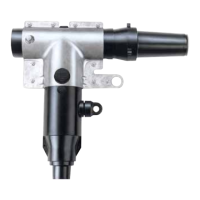
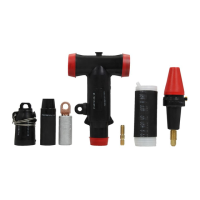
Eaton 600 A PUSH-OP - User Manual

Eaton 600 A PUSH-OP
16 pages
Print Icon
To Next Page IconTo Next Page
Loading...
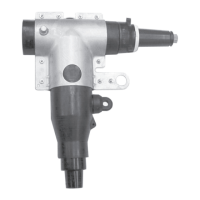
600 A PUSH-OP deadbreak connector operation instructions
COOPER POWER
SERIES
Deadbreak Connectors
MN650011EN
Effective May 2017
Supersedes June 2010 (S600-13-1)

Other manuals for Eaton 600 A PUSH-OP

Questions and Answers

  • L
    Luke QuinnAug 10, 2025
    What to do if Eaton Industrial Electrical unit will not close?
    • M
      Madeline NunezAug 10, 2025
      If your Eaton Industrial Electrical unit won't close, ensure the yellow manual operating handle is fully up in the CLOSED position. Also, verify that all cables are properly connected. Finally, check the condition of the battery located in the control cabinet.
  • S
    Sarah SmithAug 25, 2025
    What to do if Eaton Industrial Electrical unit will not open?
    • T
      tpenaAug 25, 2025
      If your Eaton Industrial Electrical unit won't open, first check that all cables are properly connected. Also, check the condition of the battery located in the control cabinet.

Eaton 600 A PUSH-OP Specifications

General IconGeneral
BrandEaton
Model600 A PUSH-OP
CategoryCables and connectors
LanguageEnglish

Related product manuals