EasyManua.ls Logo

Eau Flow 505 - User Manual

Eau Flow 505
7 pages
Print Icon
To Next Page IconTo Next Page
Loading...
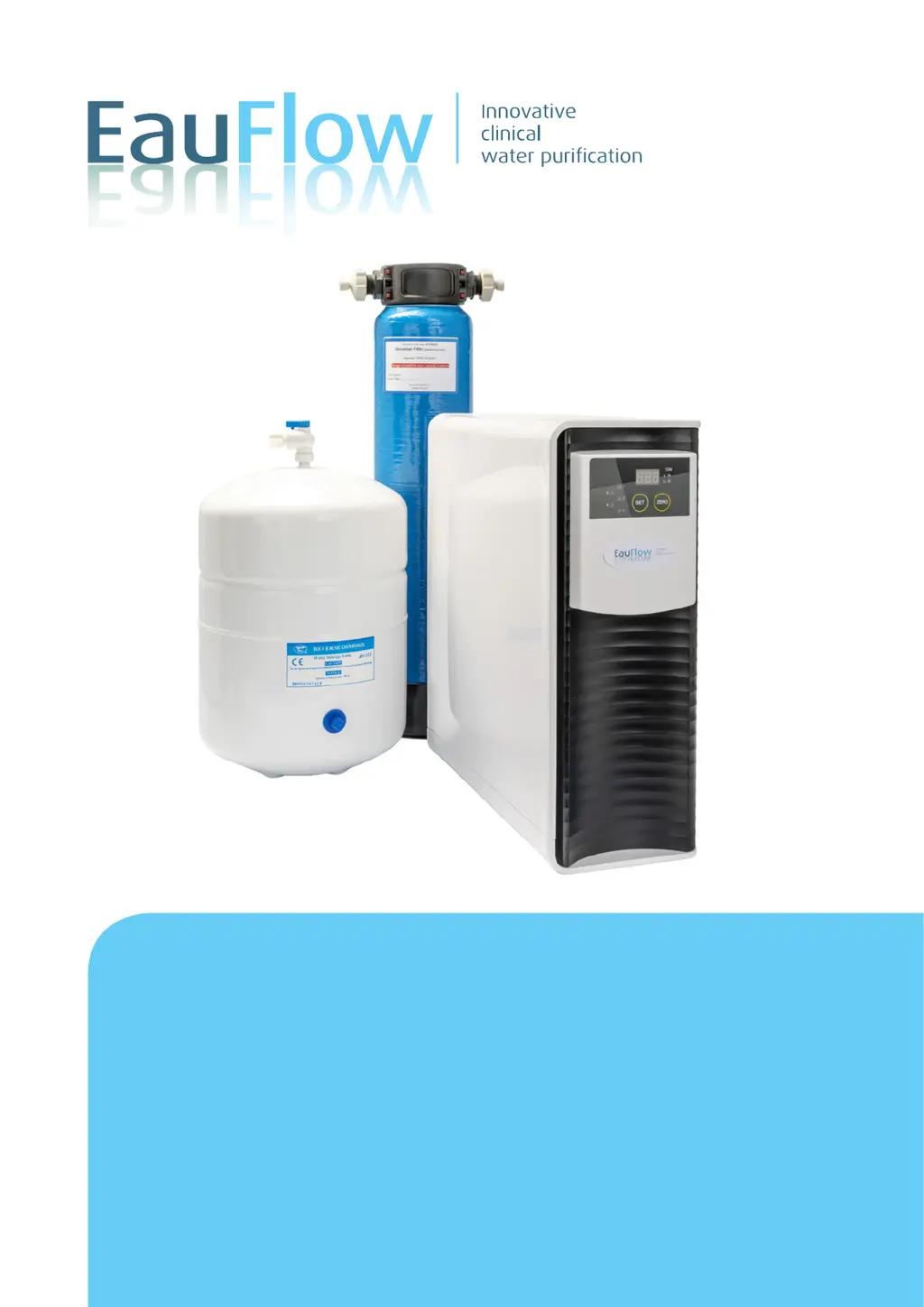
Eau Flow 505 (Hard Water)
code EY5505HW
Installation Manual
Thank you very much for selecting an Eau Flow. In order to bring the out best use
of your system please read this instruction manual carefully before installation

Questions and Answers

  • J
    James PalmerAug 11, 2025
    Why is my Eau Flow RO Machine beeping and the number light flashing?
    • M
      Molly GreenAug 11, 2025
      If your Eau Flow RO Machine is bleeping and the number light is flashing, this indicates that a cartridge needs changing. Turn off the water supply to the RO system and replace all 5 cartridges. After replacing the cartridges, press the zero button for 5 seconds until it bleeps.
  • A
    Ashley OsbornAug 16, 2025
    What to do if the ‘!’ light is flashing on my Eau Flow Water System?
    • A
      Allison HansenAug 16, 2025
      If the ‘!’ light is flashing on your Eau Flow Water System, it means the TDS level in the water is too high. If it has been over 9-12 months since you last changed the cartridges or installed the machine, replace all 5 cartridges. If it has been less than 9 months, you may need an additional blue Di cartridge EY30810 (plus inline TDS meter EY20155) between the RO and the dispensing valve/tap. Contact your representative for details.
  • J
    John NicholsAug 22, 2025
    Why is the ‘Power’ light flashing on my Eau Flow Water System?
    • K
      Kimberly JohnsonAug 22, 2025
      If the ‘Power’ light is flashing on your Eau Flow Water System, it suggests an electricity fault. You can try changing the fuse in the plug. If that doesn't solve the issue, you may need a new PCB board.
  • C
    Chad GilbertAug 28, 2025
    How to remove '999' from the Eau Flow Water System display screen?
    • D
      Douglas SharpAug 28, 2025
      The '999' appearing on the display screen of your Eau Flow Water System indicates that the cartridges warning lights have been left flashing. To remove it: a) Press the ‘Set’ button for 3 seconds. b) Then press the ‘Zero’ button for 3 seconds. c) Then unplug the RO unit within 1 second. d) Then turn it on again within 10 seconds. The ‘999’ should disappear.
  • M
    Michael CruzNov 3, 2025
    What to do if 5 lights are flashing red on my Eau Flow Water System?
    • C
      Clinton GreenNov 3, 2025
      If the 5 lights are flashing red on your Eau Flow Water System, it indicates the leak detector alarm has been triggered. This is usually because water has been detected in the base of the unit, often due to not turning off the water supply before changing cartridges. First, ensure the cartridges are fully secured and not leaking. Then, remove the panels by sliding back the black panel, undoing the white clips, and lifting up the white panel. Mop up any water in the base of the unit, ensuring it is fully dry. You might also need to turn the RO unit on its side to remove any excess water. Place a cloth underneath for this purpose. Finally, pull up the TDS probe on the front left-hand side (black wire connected to the base), wipe it with a cloth, and replace it, ensuring the chamber is fully ...

Summary

Fitting Instructions

Important Installation details

Captures essential details for warranty and record-keeping.

Warning

Installation Conditions Warning

Warning against specific cold water feed conditions to prevent contamination.

Installation

Connection and filling

Details on connecting components and initial filling procedure.

Maintenance

Changing the Cartridges

Step-by-step guide for replacing water filter cartridges.

Common Troubleshooting Issues

Specific Issues and Resolutions

Details on resolving common errors like '999', flashing lights, and leak alarms.

Biofilm cleaning kit

Cleaning and Testing Recommendations

Guidance on monthly testing and using a cleaning kit for the RO system.

Eau Flow 505 Specifications

General IconGeneral
BrandEau Flow
Model505
CategoryWater System
LanguageEnglish