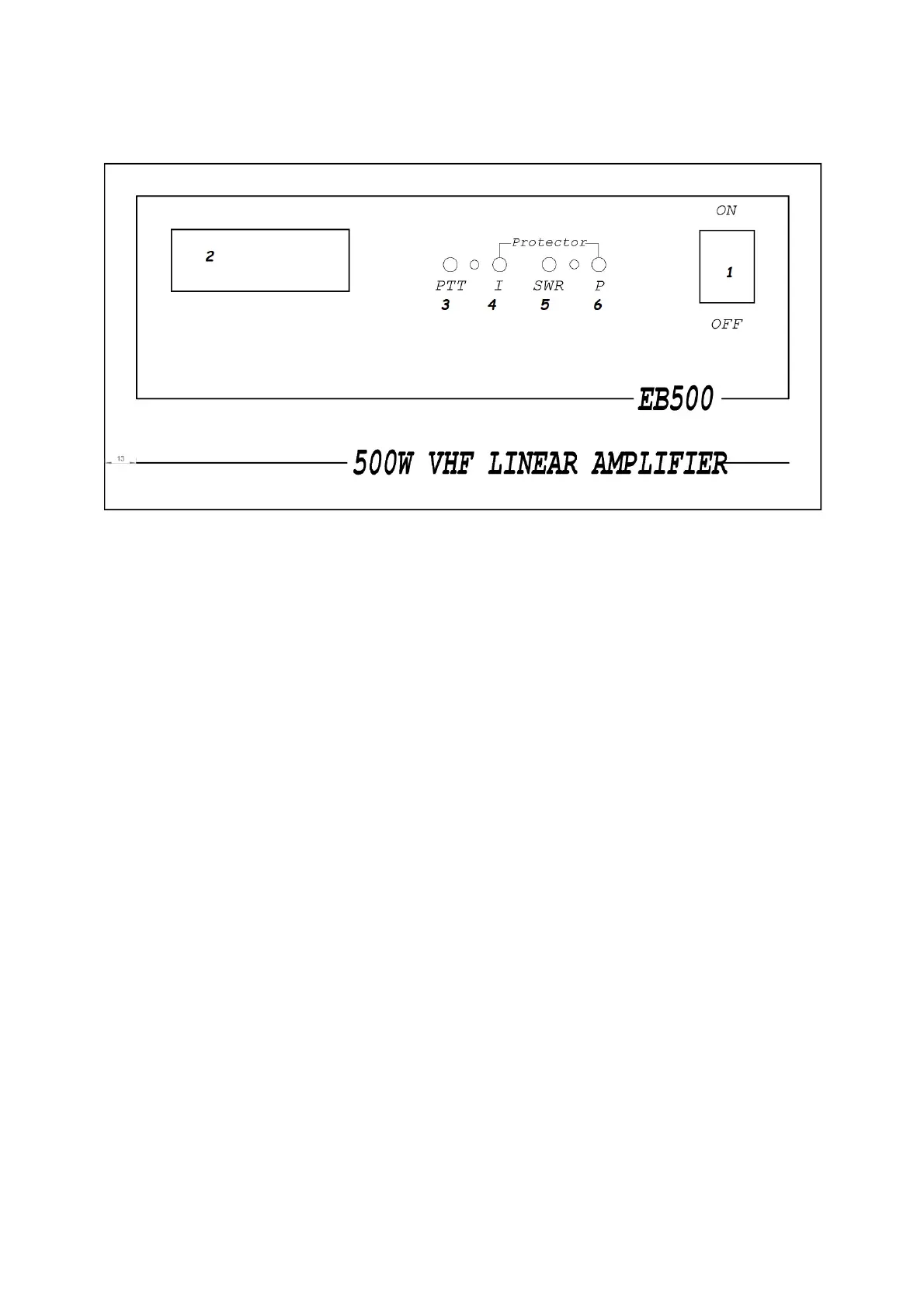
Front Panel Description
1. Key switch on and off the power amplifier.
2. Digital power indicator and SWR.
3. Green LED - indicates transmission mode.
4. Over current protection indicator
5. Protection indicator for excess SWR
6. Protection indicator for exceeding the maximum permissible output power
Turn the amplifier off and on again to reset the protection circuit.



 To Next Page