- 25 -
cm
inch
Eject function program
•
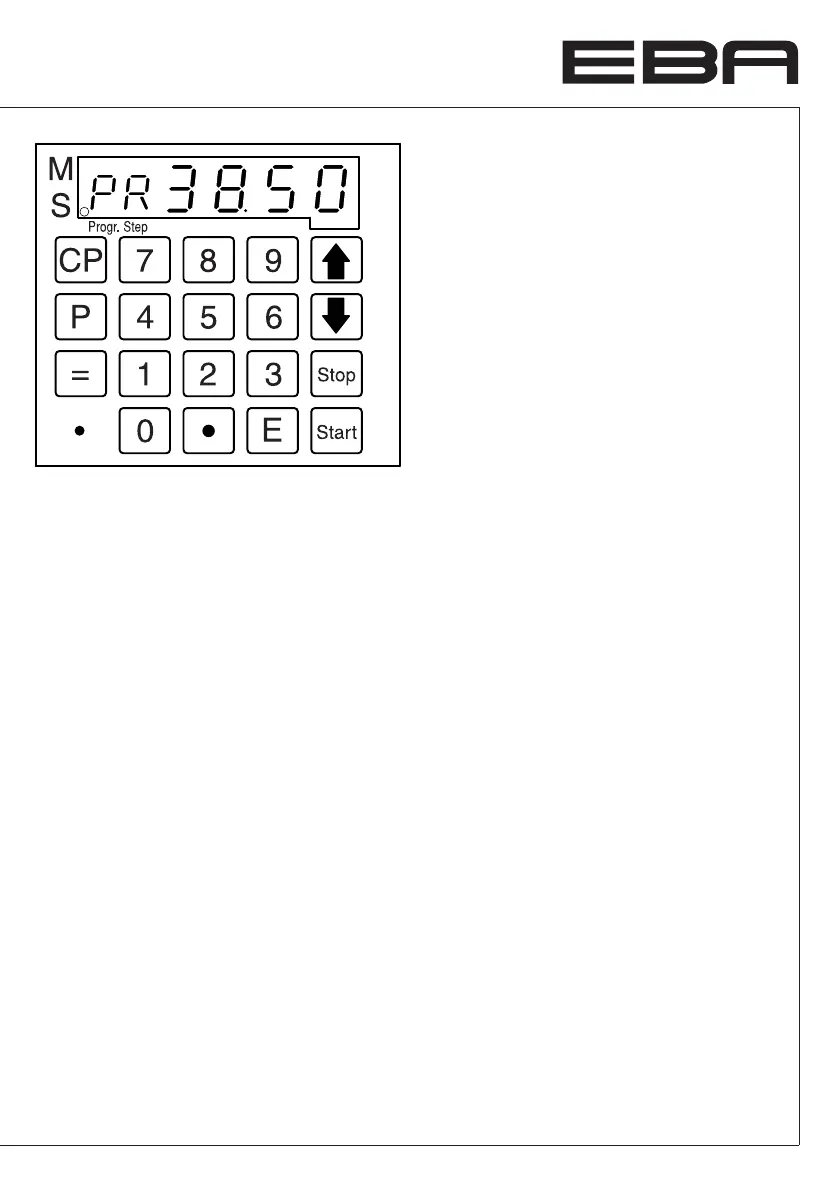
Set the measurement press button
z
.
e appears on the display.
•
Store the measurement with
g
The backgauge will advance and eject the
paper and finally return to the position shown
in the display.
Deleting a dimension when programming
Press
s
and overwrite the dimension.
Cancel a program
• p
Press P appears on the display..
• 1
...
9
Enter program number 1 ... 9.
•
Press button
c
twice.
Each program has to be cancelled separately.
Only single program steps can be overwritten.
Deleting the last program step
•
Press
0
.
•
Press
g
.
p
+
s
Escape the program mode.
•
Operation
•


 To Next Page