37
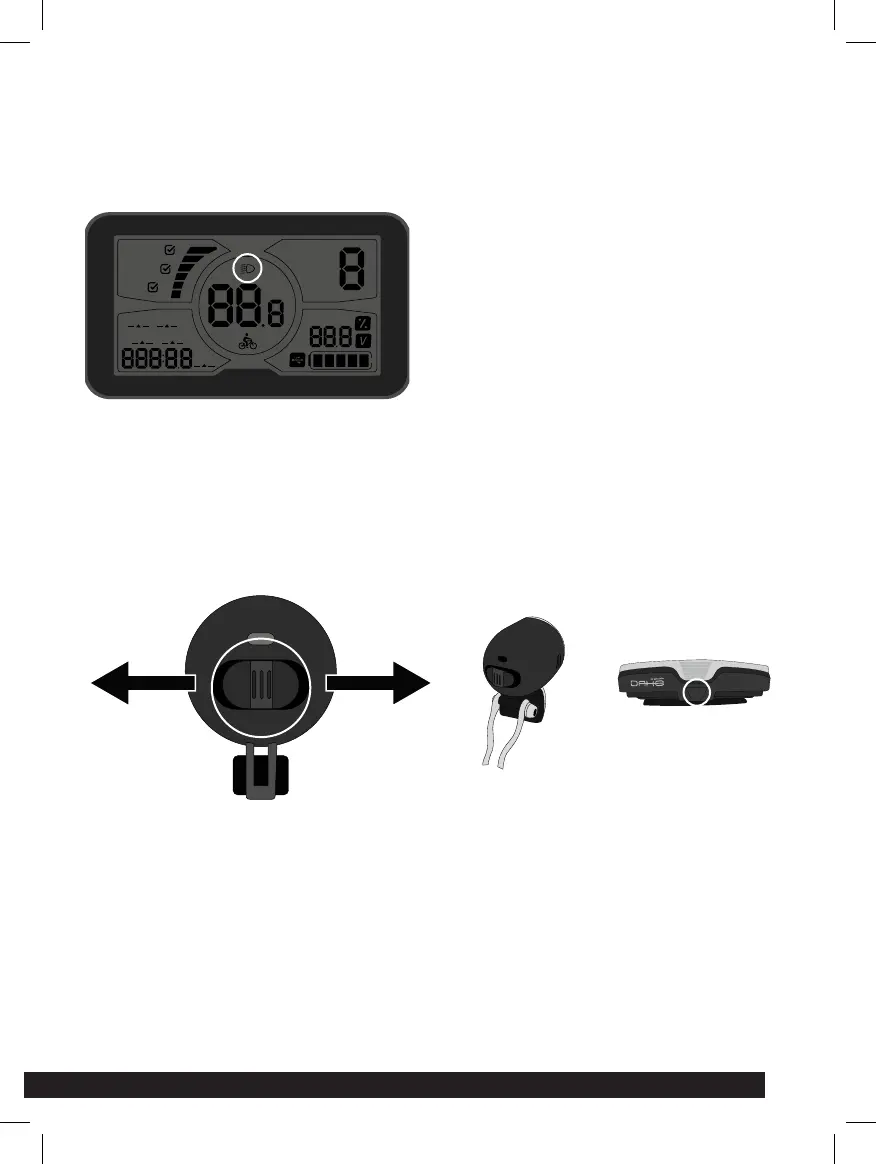
BACKLIGHTED SCREEN INDICATOR
When powered on, click ON/OFF and turn on the backlight. Click again to turn
o the backlight.
FRONT AND REAR LIGHTACTIVATION
Slide the ON/OFF button to turn the light on or o.
The rear light is powered by 2 AA batteries, in order to change the batteries,
you need to pull on the black plastic tab under the light. Remove the batte-
ries and insert the new ones. Always replace the whole set of batteries at one
time, taking care not to mix old and new ones, or batteries of dierent types.
SET
PAS
Error
KM/H
MPH
POWER
NORMAL
ECO
BMS
ODO TIME
TRIP 2
to GO
TRIP 1



 To Next Page