14 / 20
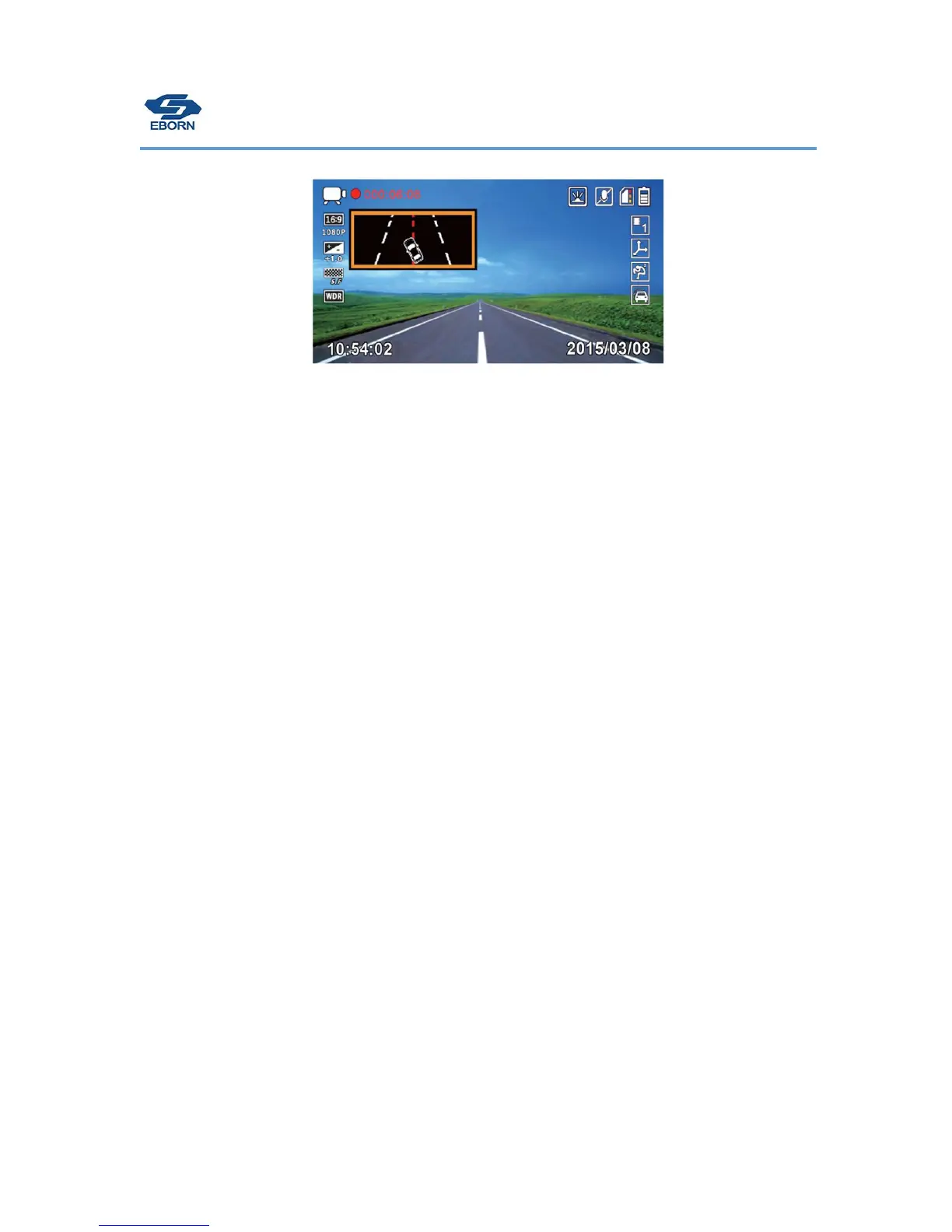
When car deviate the road,the camera will beep warning and shows below:
Resolution
Video resolution can be selected up to 2304 x 1296P. Higher resolution produces
a
higher
quality image. The higher the resolution, the higher the file
s
i
ze.
A standard 32GB microSD card will hold approximately 8 hours at the highest
resolut
i
on
mode
ava
il
ab
l
e
.
[Video
Reso
l
ut
i
on]
[2560x1080 30P 21:9] / [2304 x 1296 30P] / [HDR 1920 x 1080 30P] / [1920
x
1080 30P] / [1280 x 720 60P] /
[1280 x 720
30P]
Metering Mode Setting.
Metering Mode refers to the way in which camera determines the
exposure
.
Frequency
Light Frequency (anti
f
li
cker
i
ng)
[Auto] / [60Hz] – USA Standard / [50Hz] – European
Standard
Date Stamp
You can select to have the Date & Time “stamped” into the
v
i
deo
.
Current speed is stamped in [ON] mode when optional GPS Module is
present
.
Time Zone
Press OK button to enter time zone setting, use the “up” “down” button to set the correct GMT, then
GPS will get the real time automatically. Please “Time Zone” is different from “Date/Time set up”, the
date time set up is working for non-GPS device or when you don’t want use GPS feather for EB-G01.


 To Next Page