Monito
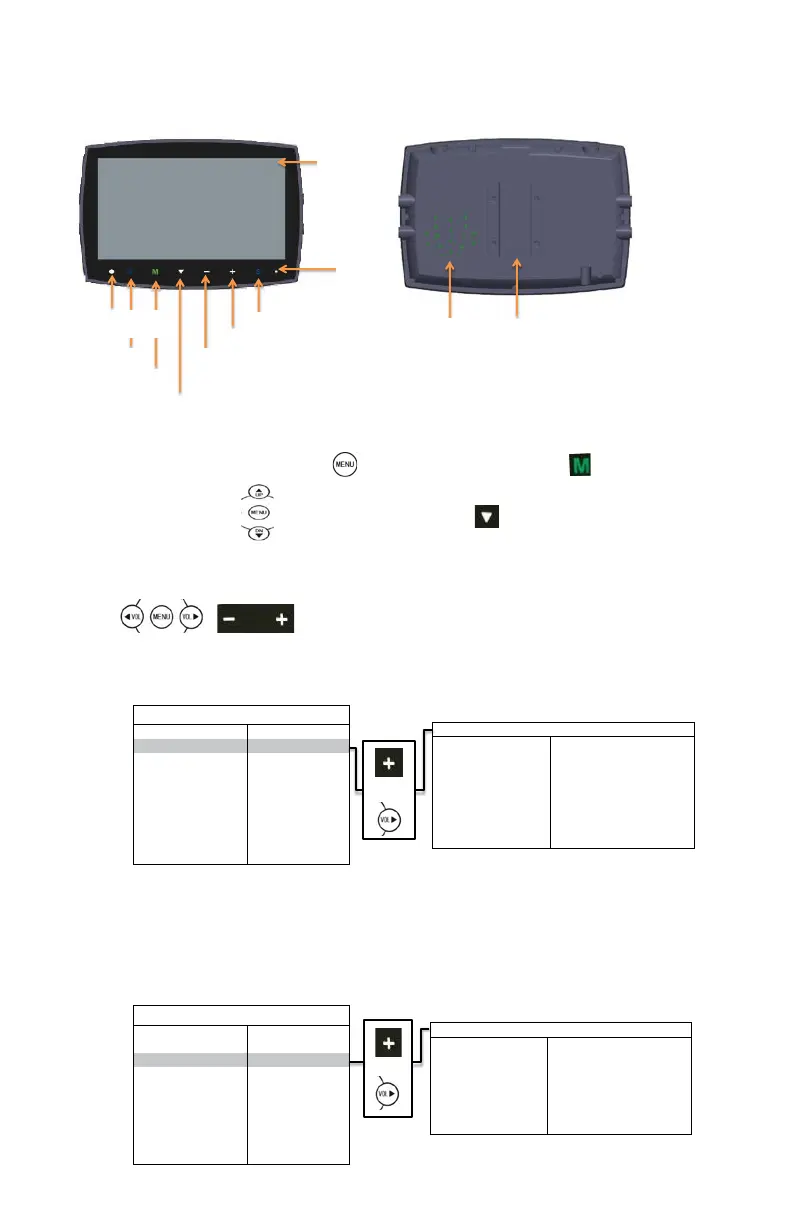
r Parts Idenficaon
EC7003-M
Remote Signal IR Receiver
Menu Selecon and Display Mode
Pres
s the Menu buon on the remote control or the Menu buon on the monitor screen.
Use the Up & Down arrow on the remote control or the down arrow on the monitor screen to toggle
between menus.
Use Volume Up on the remote control or the + buon on the monitor screen to select highlighted menu or Volume
Down on the remote control or the – buon on the monitor screen to go back to the previous menu.
or
CAMERA: To select the camera that needs adjustment.
BRIGHTNESS: To adjust the camera’s brightness.
CONTRAST: To adjust the camera’s contrast.
COLOR: To adjust the camera’s color.
TINT: To adjust camera’s nt.
MIRROR: To turn mirror feature on or off.
or


 To Next Page
 Loading...