LEFT/
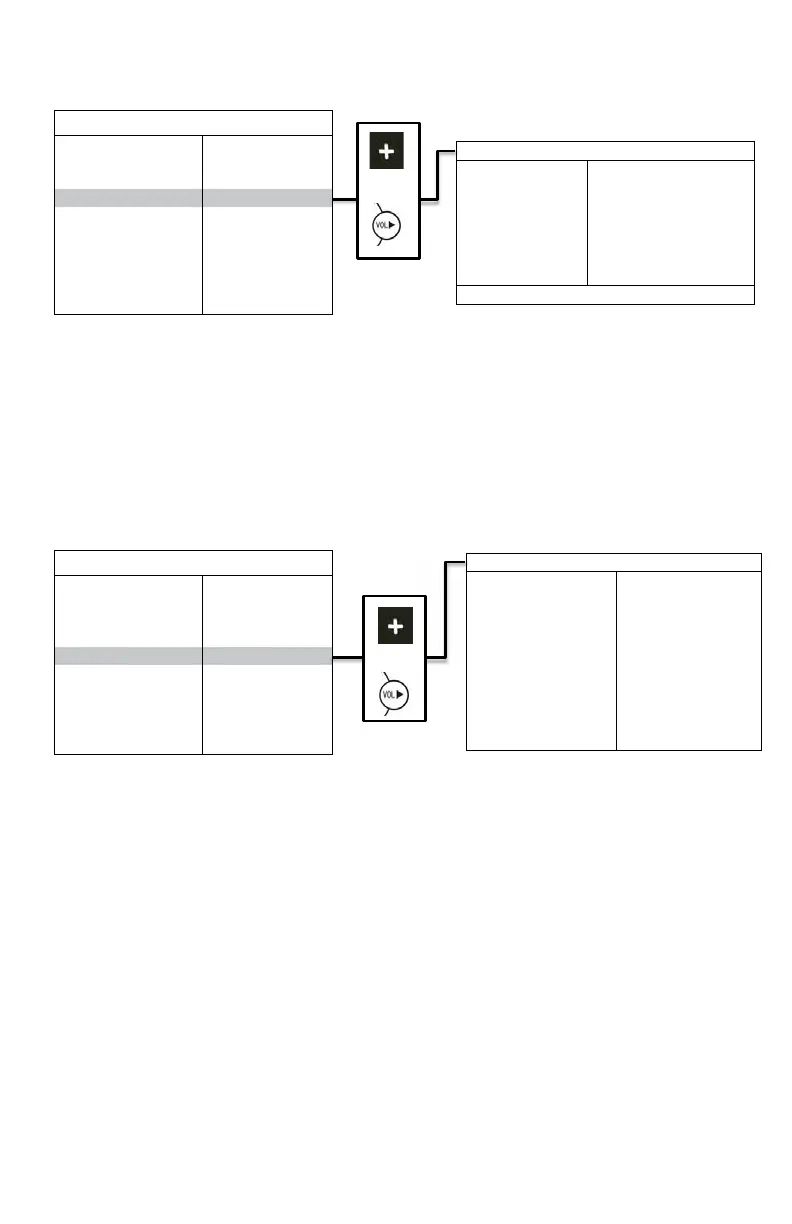
RIGHT/FRONT/BACK: To rename the camera locaons.
DISPLAY: To turn on/off display.
or
SCALE: Turn on/off electric distance label. When set as ON, electronic distance label will be displaced when rear
view camera (camera 3) is acvated.
INPUT SCAN: To turn on/off auto idenficaon of camera inputs. When INPUT SCAN is set as ON, monitor will
display connected cameras and skip inputs not in connecon.
SPEAKER: To turn speaker on/off.
TURN SHOW: To turn Turn Show on/off.
BOUNDARY: To set color of the separaon line between camera inputs. White, gray, black and uncolored are
available.
LANGUAGE: To set OSD language. English, Finish, Netherlands, Espańol, Deutsch and Italiano.
SOFTWARE VERSION: To be updated at all mes.
or
REC-V
OUT: To set the camera input(s) to be recorded when connected to DVR via the green RCA wire. Le-
side, right-side, front view, rear view camera and quad view image can be selected.
AUTOSCAN: To set the auto scanning funcon. When AUTOSCAN is set as ON, monitor will automacally switch
between connected camera inputs and quad image.
SCAN DELAY: To set the switching me of AUTOSCAN. Switching me frame: 0-60 seconds.
JUMP KEY: To set the shortcut display mode from the 13 modes to the le. It can be acvated by jump key
selector. Opons: Le, Right, Front, Back, Quad, Dual, Dual2, Triple, Triple 2, Pip 1, Pip 2, Pip 3, H-Split, Trefoil
and Y-Split.
P-ON MODE: To set the default display model from the 13 modes to the le or STANDBY mode. Opons: Le,
Right, Front, Back, Quad, Dual, Dual2, Triple, Triple 2, Pip 1, Pip 2, Pip 3, H-Split, Trefoil and Y-Split.


 To Next Page
 Loading...