BEEP: To turn on/off the warning tone. Default seng is ON and there will be a beeping sound when menu is
being operated.
SYSTEM: To set TV system: PAL/NTSC.
DIMMER: To set backlighng brightness level of screen. Five levels and AUTO opon are available; the higher
the level, the brighter. When set as AUTO, backlighng automacally adjusts in accordance with the outer
brightness.
or
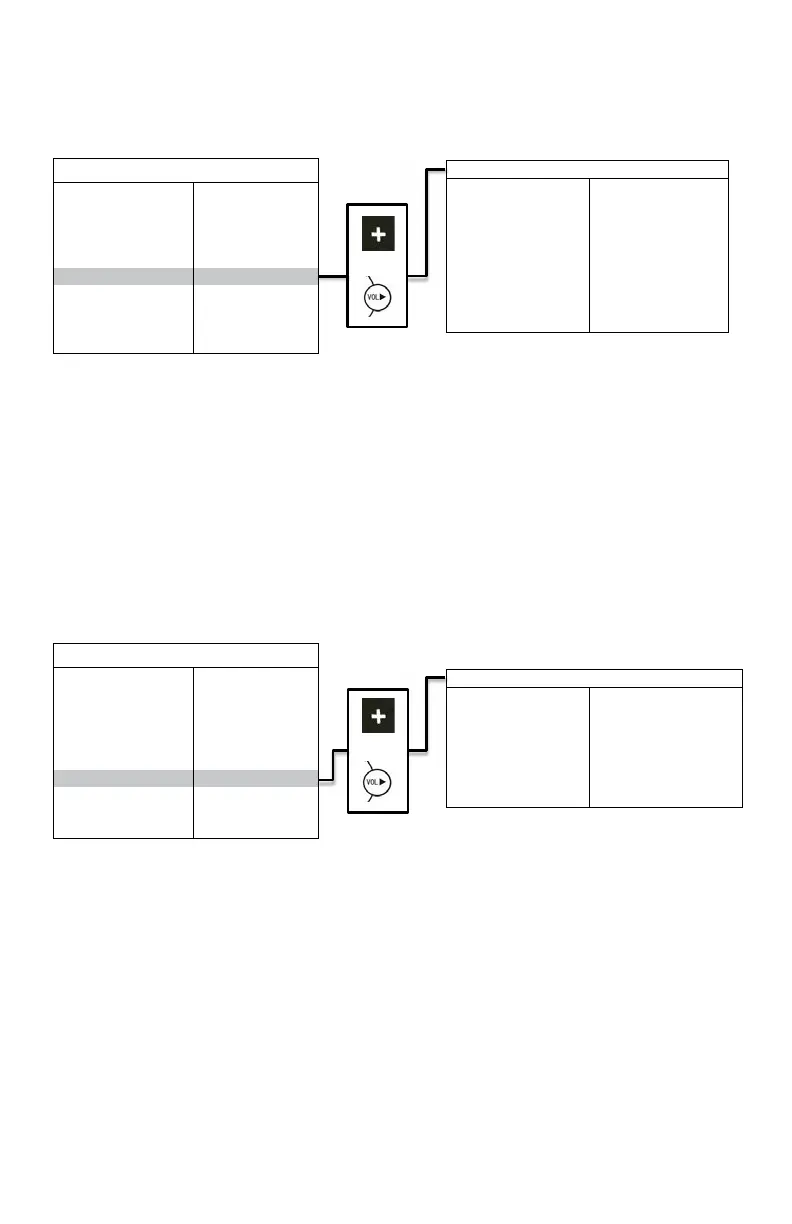
TURN IMAGE: To set the camera input(s) to be displayed when le-side camera (camera 1)/right side camera
(camera 2) is acvated. When set as SINGLE, correspond camera input will be displayed when either camera is
acvated. When set as SPLIT, split image of le-side and rear view camera will be displayed when le-side
camera is acvated; split image of right side and rear view camera will be displayed when right side camera is
acvated.
REAR IMAGE: To set the camera input(s) to be displayed when rear view camera is acvat
ed. When set as
BACK, the rear view camera will be displayed when acvated. When set as TRIPLE, le-side, right-side and rear
view camera will be displayed.
TIRGGER DELAY: To set the delaying me of video display when trigger signals goes off. Delaying me frame: 0-
30 seconds.
SPLIT SCREEN: To set camera input(s) to be displayed when ‘split’ trigger wire is acvated. LEFT/RIGHT is to set
the camera input to be displayed on the le/right side of monitor screen. AUDIO is to set the audio output form
any of the four cameras.
or
TRIGGER PRIORITY: To set camera trigger priority.
(FRONT/BACK/SPLIT/LEFT/RIGHT)
(FRONT/BACK/SPLIT/LEFT/RIGHT)
(FRONT/BACK/SPLIT/LEFT/RIGHT)
(FRONT/BACK/SPLIT/LEFT/RIGHT)
(FRONT/BACK/SPLIT/LEFT/RIGHT)


 To Next Page
 Loading...