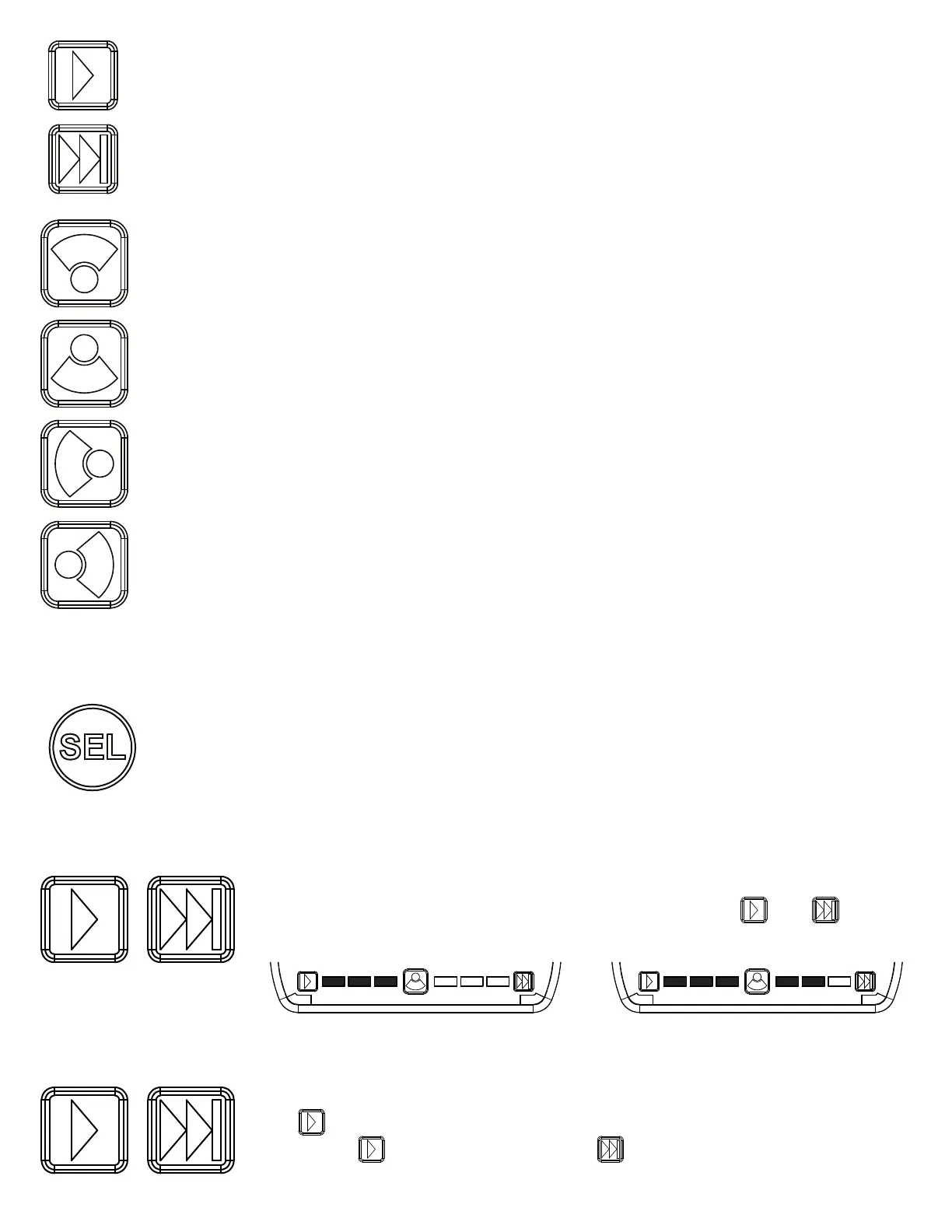
“Safety Director On/O” - Press once to turn the Safety Director on or o.
“Safety Director Pattern Select” - Once the Saftey Director is activated, press this pattern select button to cycle to the
next Safety Director ash pattern. There is a 5 second delay between the controller
and the lightbar. Press and hold for 3 seconds to return to the prior ash pattern.
The lightbar will store the last ash pattern used.
“Front Worklight (Takedown)” - Toggle press will activate/deactivate front worklight function. Long press for two seconds
to activate/deactivate front cut.
“Back Worklight” - Toggle press will activate/deactivate rear worklight function. Long press for two seconds to activate/
deactivate back cut.
“Left Worklight (Alley)” - Toggle press will activate/deactivate rear left worklight function. Long press for two seconds
to activate/deactivate left cut.
“Right Worklight (Alley)” - Toggle press will activate/deactivate right worklight function. Long press for two seconds to
activate/deactivate right cut.
Special Features:
Reset the Lightbar back to Factory Setting: Press SEL button 8 times. The lightbar will ash 3 times and will reset back
to factory settings.
To change the number of modules used in the safety director, press and hold - tap to select
5 to 10 modules.
Touchpad Backlight
Safety Director Module Selection
Safety Director Front/Rear Selection
Press to turn on the safety director.
Press and hold , once the corner LEDs light, tap to cycle front, rear or both.
Page 9 of 14
5
6 7
8
9
10
5
6 7
8
9
10
Example
7 modules 9 modules
To limit the lightbar to R65 ash patterns, press SEL 5 times and bar will ash twice.


 To Next Page
 Loading...