GBGB
35
USE
Fan on/o and the ON/ OFF button
When the fan is connected to the power supply, abeep sounds (two beeps). The device is now in the standby
mode. Press the ON/OFF button to put the unit into operation. Press this button to switch o the fan during
operation.
Note:
You can preset the timer in the stanby mode.
If the fan is turned on for the rst time, it will start in the default mode and with alow speed setting. The relevant
indicator lights up. Thanks to the memory function, the fan will run in the mode in which it was switched o
when used next. The same applies for the speed setting. The fan will always start running at the medium speed,
after 3 seconds it will change to the previous setting. This function does not apply for the NATURAL mode,
SLEEP and timer mode.
SPEED button
Use this button to adjust the rotation speed of the blades. Each press of the button switches the speed by one
degree in the following order: low medium high. The relevant indicator lights up.
TIME button
The TIME button is used to select one of the 4 timer settings in the following order: 1 hr 2 hr 4 hr 8 hr
O. The relevant indicator lights up.
After the set time has elapsed, the fan automatically shuts o. Turning o the appliance will not be signaled
by any audio signal.
When turned on again, the fan will start in the same mode as it was set before shutting down (except for the
NATURAL and SLEEPmodes).
Note:
You can set the timer if the fan is in the standby mode (only plugged in the power supply). The countdown
starts when you press the button ON/OFF.
Setting the oscillation and horizontal tilt
Adjustment of the oscillation with the ANGLE button
Use this button to adjust the horizontal oscillation. Fan rotation can be set at 60, 90, 180 or 360 degrees by
pressing this button repeatedly. Pressing the button again shuts o the rotation. The set horizontal oscillation
mode will be indicated by the relevant LED.
You can also turn o the rotation in any setting by pressing and holding the ANGLE button for at least 3
seconds.
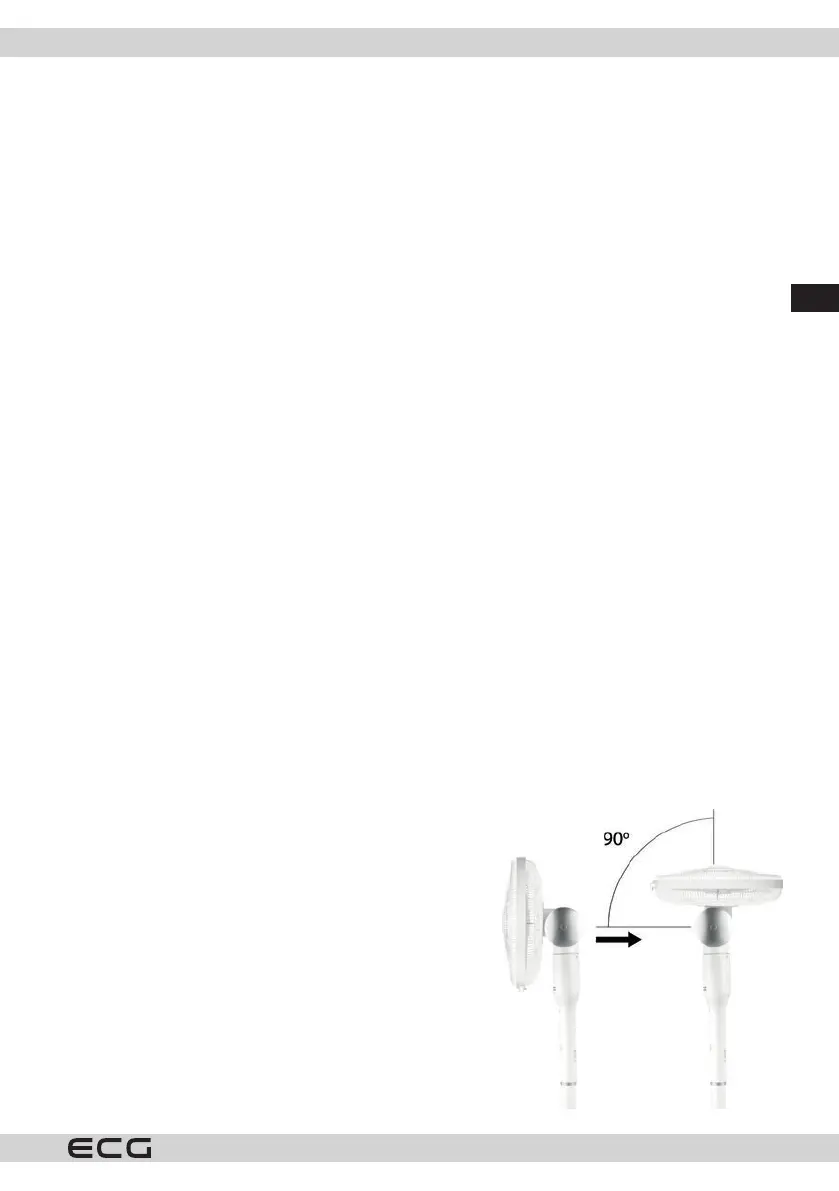
Manual fan tilt setting
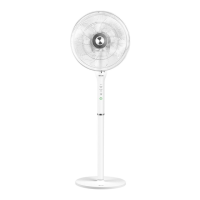
You can tilt the fan manually up to 90°, see the gure on the right.
Grasp the fan head and carefully tilt it to the desired angle. The
tilting direction is indicated on the joint of the motor.
MODE button
This button is used to set the fan mode and is only available on
the remote control.
You can choose between the ventilation modes, Normal, NATURAL
and SLEEP using the mode setting button.
The mode settings are indicated by the lights lit above the
individual icons on the control panel.
In normal mode, the device runs according to the current setting
and constant fan speed.


 To Next Page