30
EN
CONDITIONS AFFECTING WIRELESS TRANSMISSION
This device contains accurate clock controlled by a radio signal. Like in case of other wireless equipment,
reception capability is a ected among others by following conditions:
• Distance from signal source
• Terrain unevenness
• High buildings in vicinity
• By railway lines, high voltage lines, etc.
• Highways, airports vicinity, etc.
• Large building sites in vicinity
• Ferro-concrete constructions
• By close electrical appliances
• By close computers and TV sets
• Inside means of transport
• Metal constructions and objects
Install the device to a place with optimal transmission conditions, close to windows, away from electronic
devices and metal objects.
QUICK SETUP
Step 1:
Slide o the cover of the battery compartment in the rear of the device and insert lithium battery (1 × CR2032).
Make sure that the battery is inserted with the + pole up. Put on the battery compartment cover back.
Step 2:
Plug the AC/DC adapter in the electrical outlet. Insert the DC connector of the adapter in the power jack at
the rear of the device.
Step 3:
The device will start search for DCF signal.
THE RECEPTION OF THE DCF SIGNAL AND SIGNAL INDICATOR
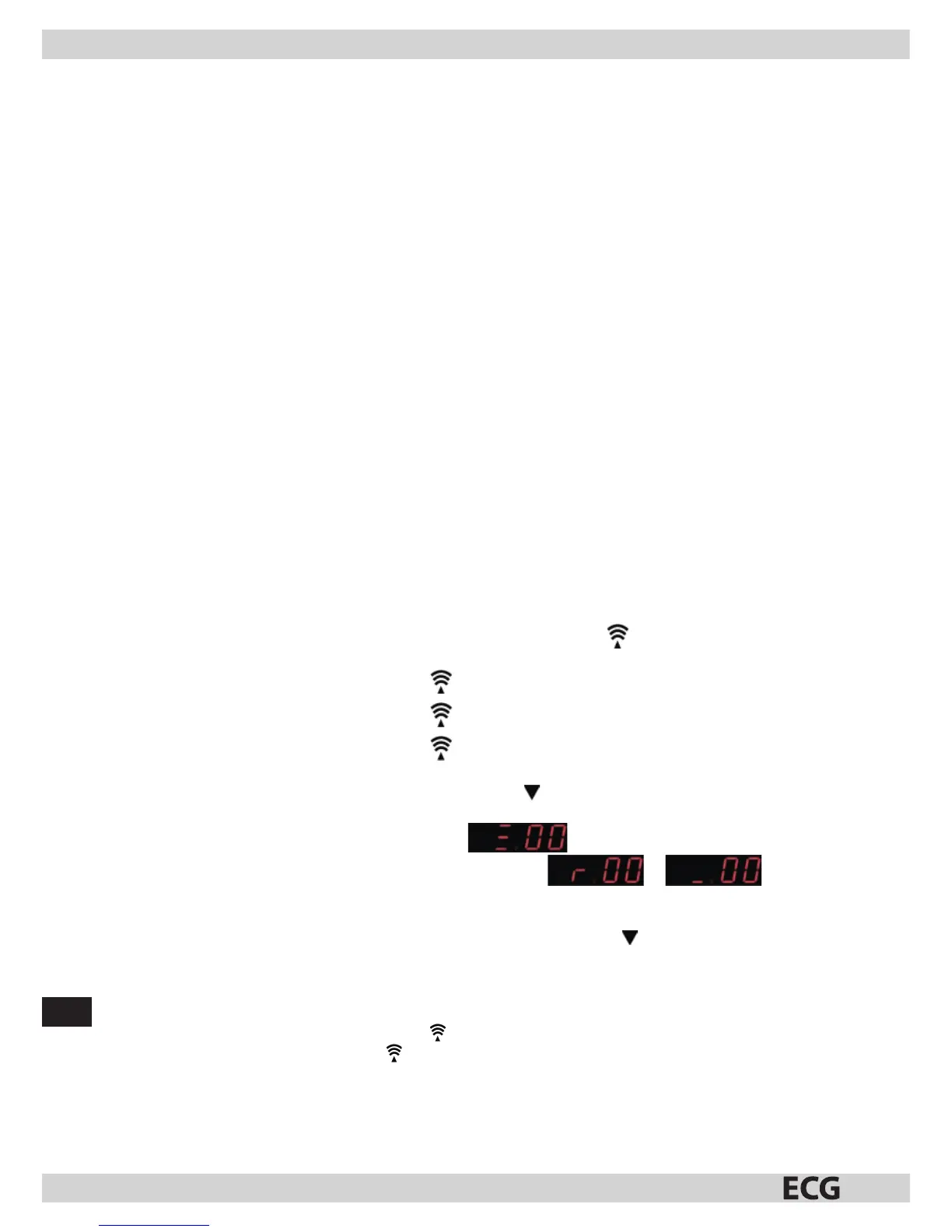
After the device is switched on, it will start receiving the DCF signal. Icon ashes.
Search for DCF signal (icon
ashes)
Successful reception (icon
light stays steady)
Reception failed (icon
disappears)
You can view during signal reception by pressing once the /WAVE button the reception mode and the
signal strength. The following will be displayed:
1. Three bars on the display indicate strong signal
2. When the DCF signal is weak or none, the display will show or .
The signal strength may vary from one to three bars during the reception. This is normal, because the
device detects the DCF signal together with other signals.
3. Press the SET button to return to regular time display. Press again the /WAVE button to return to the
reception mode and the signal strength display.
Successful or unsuccessful reception
• When the reception is successful, the icon will be steady (stops ashing).
• In case of reception failure, the icon disappears from the display.



 To Next Page