GB
56
(1) Setting personal data
1. After you insert the battery and turn it on the rst time, the default parameters are set to following values:
Memory Sex Height Age
1 Male 165 cm 25
2. Parameters can be set within the following range:
Memory Sex Height Age
1 ~ 12 Male/Female 100 ~ 250 cm 10 ~ 100
3. Setting parameters
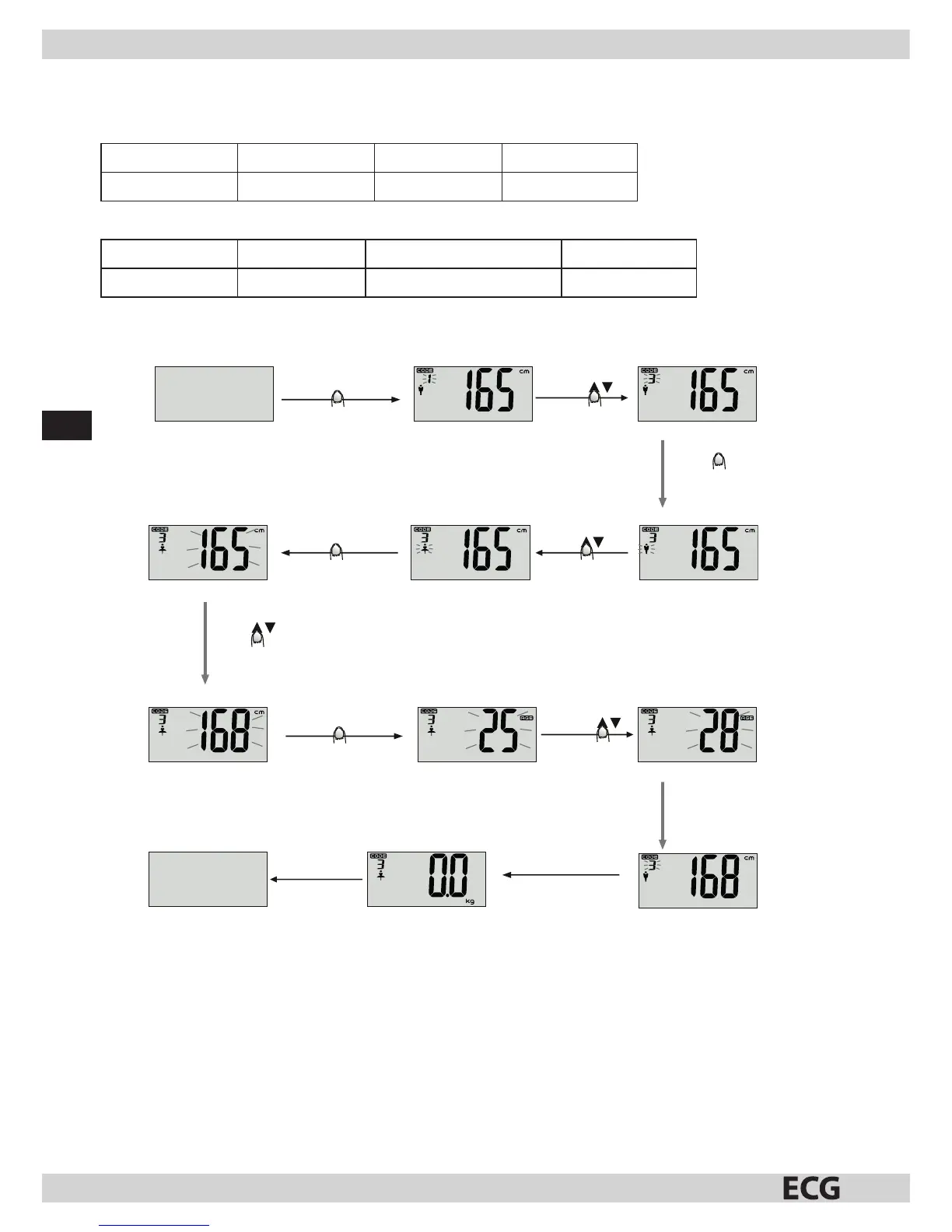
Example: User no. 3, awoman, 168 cm, 28 years can set her personal data as follows:
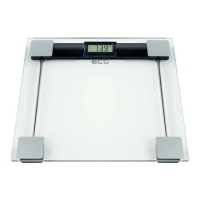
Press the weighing
surface to turn the
scale on.
Press and hold SET
go to parameters setting
Press SET
Press SET
Press SET
Press
Press
Press
Press
The user number is
ashing
select the user
number
Con rm and continue
to next setting
Con rm and continue
to next setting
Con rm and continue
to next setting
select sex
select age
select height
The user number stops
ashing and “0.0” appears.
Automatic turn o after
afew seconds
The user number starts ashing again. By
repeating the procedure, you can set another
user or by tap on the weighing surface stop
settings and save user parameters into memory.
Turned o scale
Sex symbol is ashing
Height data is ashing
User age is ashing
Press SET
Tap on the weighing surface
and wait several seconds.
Note:
• When you interrupt entering data for afew seconds, the already speci ed parameters are automatically
stored in memory and the display shows “0”, which means that you can start measuring body fat content.
• If during the parameters input the display shows “0”, you can press and hold SET to return to the personal
data setting mode and enter the user number, sex, height and age.



 To Next Page