Installation Guide
email - support@aampglobal.com (US)
tel - 1-800-477-2267 (East Coast) - 1-888-883-2790 (West Coast)
email - technical.eu@aampglobal.com (Europe)
Operating Instructions (continued)
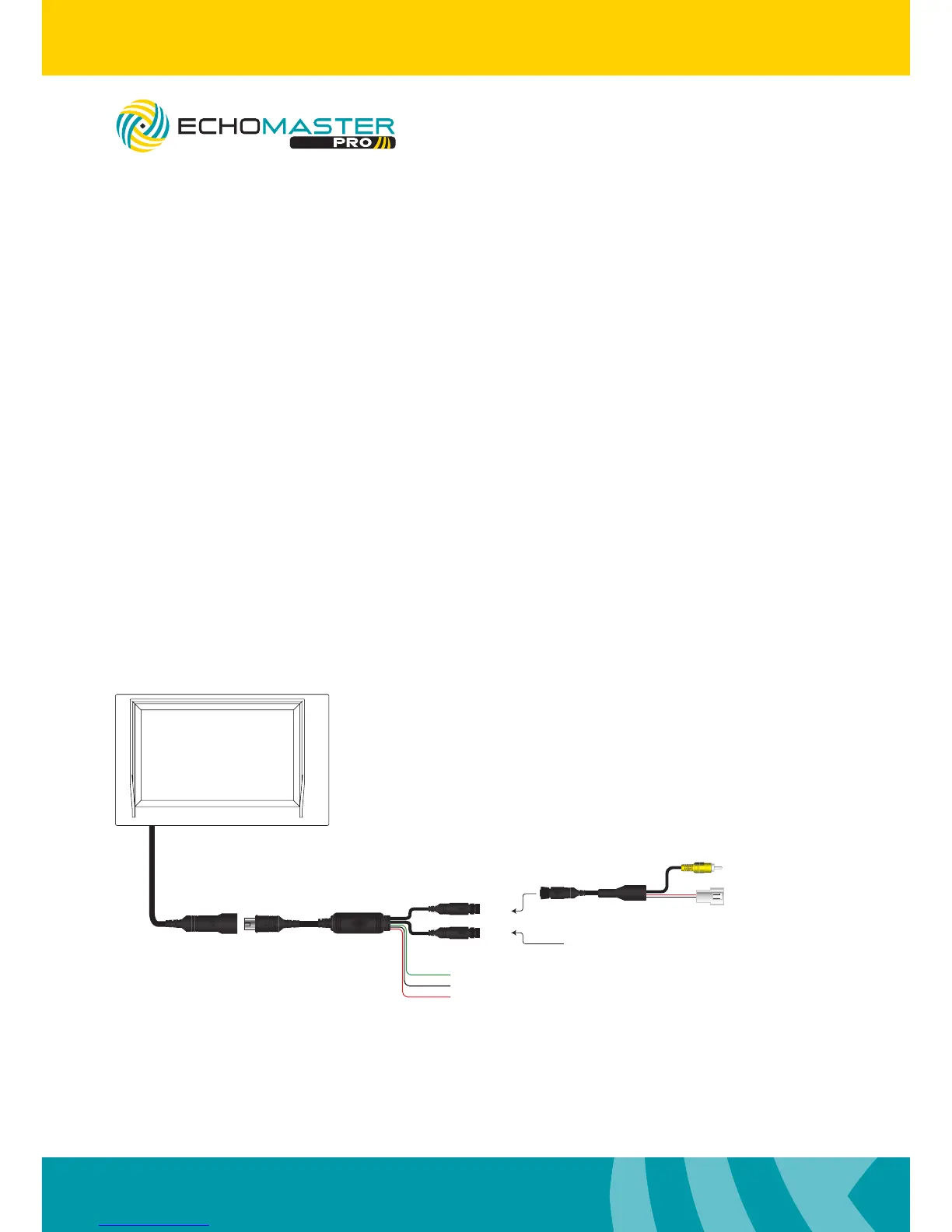
Wiring Diagram
Menu
The Menu functions can be adjusted using the + and – buttons on the monitor.
Contrast: Adjust the contrast of the screen between 0 and 30.
Brightness: Adjust the brightness level of the screen between 0 and 30.
Color: Adjust the color of the screen between 0 and 30.
Version: This will show you the version of software that is currently
installed in the MON-43.
Video 2
Video 1
Reverse Trigger +12V (Green)
(Black)GND
(Red)Ignition +12V
VIDEO
Reverse Camera
Adapter Harness
Main Harness
GND Out
+12V Out
(Black)
(Red)
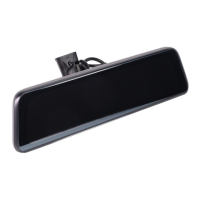
PMON-43
4.3” Windshield Mount
Dual Input Monitor


 To Next Page