4
FLS 2D Instruction Manual
FLS 2D Operating Instructions
Switching On
The FLS 2D is switched on by pressing and holding the power key until the white
display appears. The unit will then display the introduction screen that includes the
unit software version, shortly followed by the FLS sonar display.
The sonar data displayed on the screen will depend on the sea bed below the
transducer. The unit will always switch on in ‘Auto Range’ mode which means that
if a good seabed s
ignal is received, a suitable range will be chosen for the current
depth. Pressing the up or down arrows will turn off auto mode and the user will now
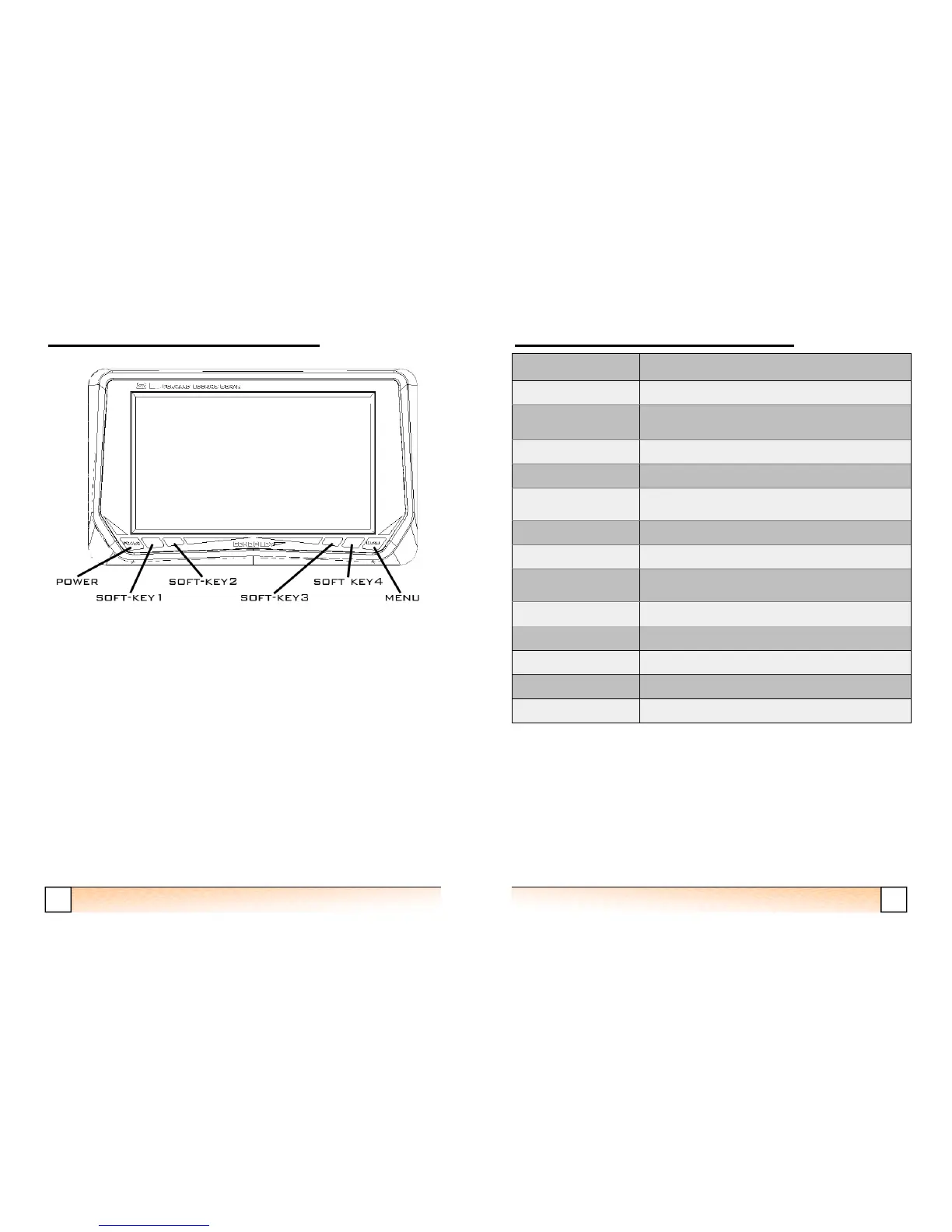
have control of the range with the up and down buttons. Up is soft key one, down is
soft key 4, as shown on the LCD.
21
FLS 2D Instruction Manual
Specification FLS Platinum
Voltage 12v or 24v DC
Current Consumption Display-380mA with max brightnes (150 mA min)
Operating frequency 200 kHz
LCD type Transflective, LED Backlighting
Viewing Area 152 x 84mm
800 x 480pixels
Forward Range 20 to 200 metres
Maximum Depth Range 10 to 100 metres
Display Update
Rates
1-2 updates / sec
NMEA NONE
Built-in Test Facility Yes
Repeater Option Yes
Alarm Shallow
Transducers FLS 2D professional or standard
FLS 2D Technical Specifications


 To Next Page