6
FLS 2D Instruction Manual
FLS 2D Operating Instructions
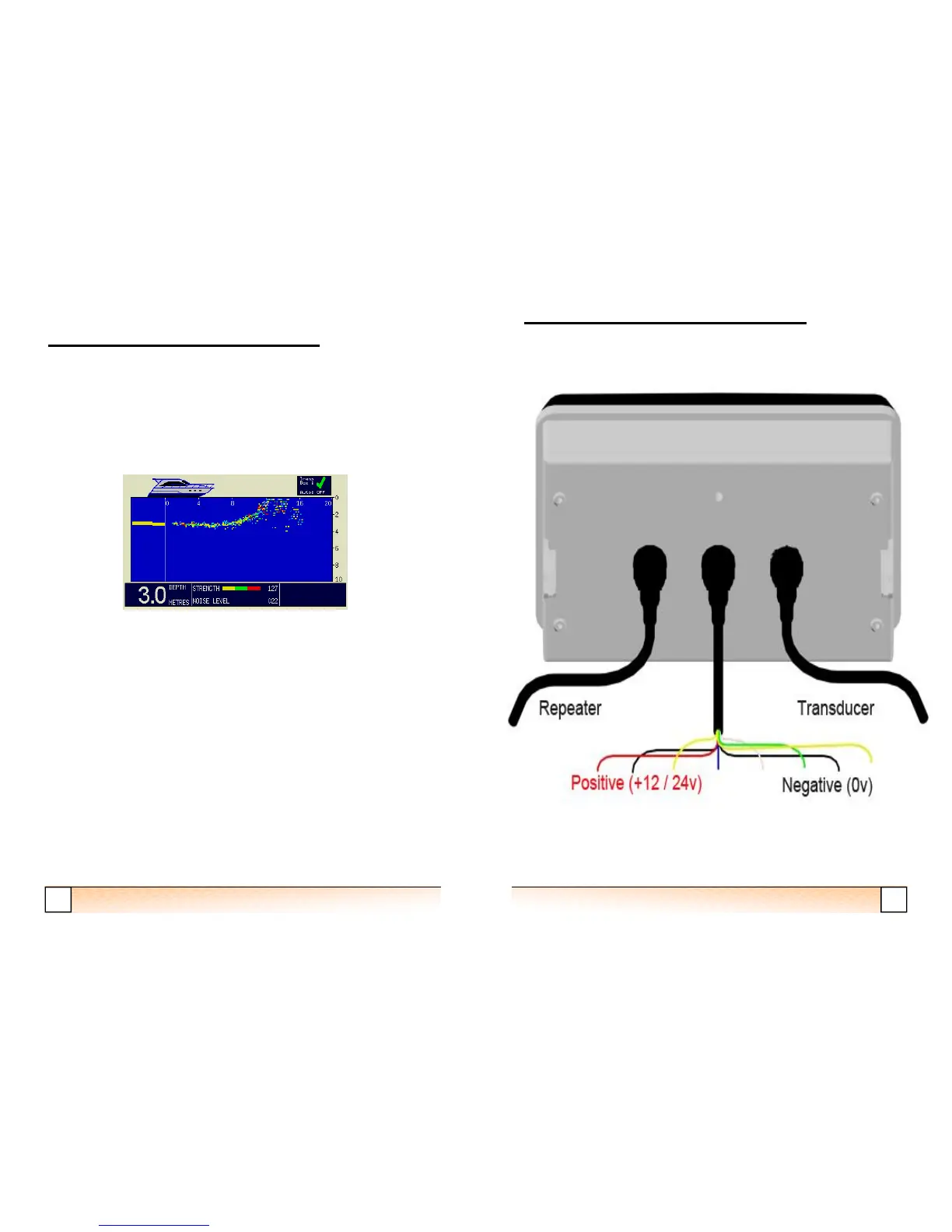
Auto Range
When Auto range is selected, the range will automatically be set, based on the
current digital depth (displayed in the top right hand corner). If the digital depth is
invalid due to a poor sonar signal (indicated by the depth figure flashing) the range
will remain on the last selected range for a valid depth. The status indicator box in
the top right hand corner of the display shows whether Auto range has been
selected.
History Display
The FLS 2D displays a 15 second history to the left of the vertical line (0m line) on
the sonar display. The history plot is based on the digital depth readout and gives the
user a little more information about the shape of the seabed behind the vessel.
As the history plot is the last 15 seconds of seabed, the area of seabed covered will
depend on the speed of the vessel. For example, if the vessel speed is 5 knots (2.5
metres per second), then the history plot will cover a distance of 38m. Higher speeds
will give greater distances but with less accuracy.
The sonar display in FLS Mode
19
FLS 2D Instruction Manual
FLS 2D Installation Instructions


 To Next Page