4
FLS Platinum Instruction Manual
FLS Platinum Operating
Switching On
The FLS Platinum is switched on by pressing and holding the power key until a
single beep is heard. The unit will then display the introduction screen that includes
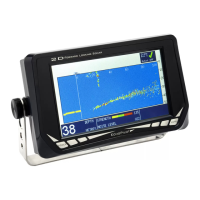
the unit software version, shortly followed by the FLS sonar display.
The sonar data displayed on the screen will depend on the sea bed below the
transducer. The unit will always switch on in ‘Auto Range’ mode which means that
if a good seabed signal is received, a suitable range will be chosen for the current
depth. Pressing the up or down arrows will turn off auto mode and the user will now
have control of the range with the up and down arrows.
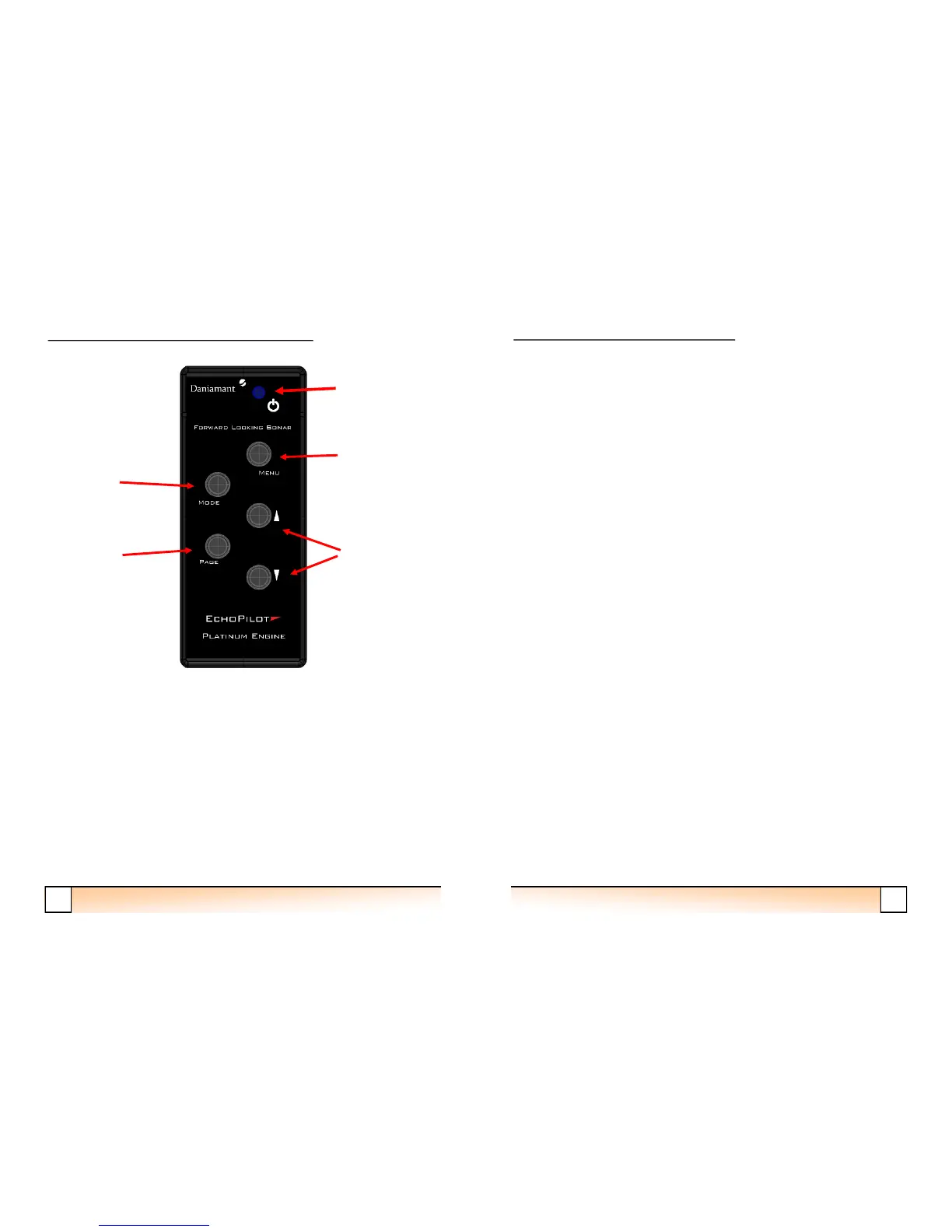
Power Key
Menu Key
Up/Down Keys
Mode Key
Page Key



 To Next Page