Secondary Functions (Push and hold down buttons together for a second)
AUTO+OPEN Open all roof banks to the vertical position.
AUTO+CLOSE Close all roof banks to the fully closed position.
ONE+STEP Hold this down for 5 seconds to reboot the system
Setting the Rain preferred position
This must be set as it is the position that all the roofs will open to when the rain has stopped
and the rain sensor has dried. Start this process with rain mode off.
1. Press AUTO and then CLOSE. (Just a split second between the two, and hold
them both down for a few seconds).
2. The roofs will close.
3. Open roof 1 to the desired position with the OPEN button.
4. Press STEP to change the active roof-to-roof 2, 3, 4 etc.
5. Press OPEN to get roof 2, 3, 4 to the desired position.
6. Press & Hold AUTO then
RAIN (almost simultaneously). Hold down the buttons. If
the controller has accepted this position, the LED light will flash 3 times. If not try
steps 1-6 again.
You can test this by wetting the rain sensor plate manually, allowing the roof to close in
Rain mode, then turning off the rain mode by pressing the rain button until the red light goes
off. You have set the Rain Preferred Position. Even when the power goes off, the Preferred
Position for Rain will remain in the memory of the Controller.
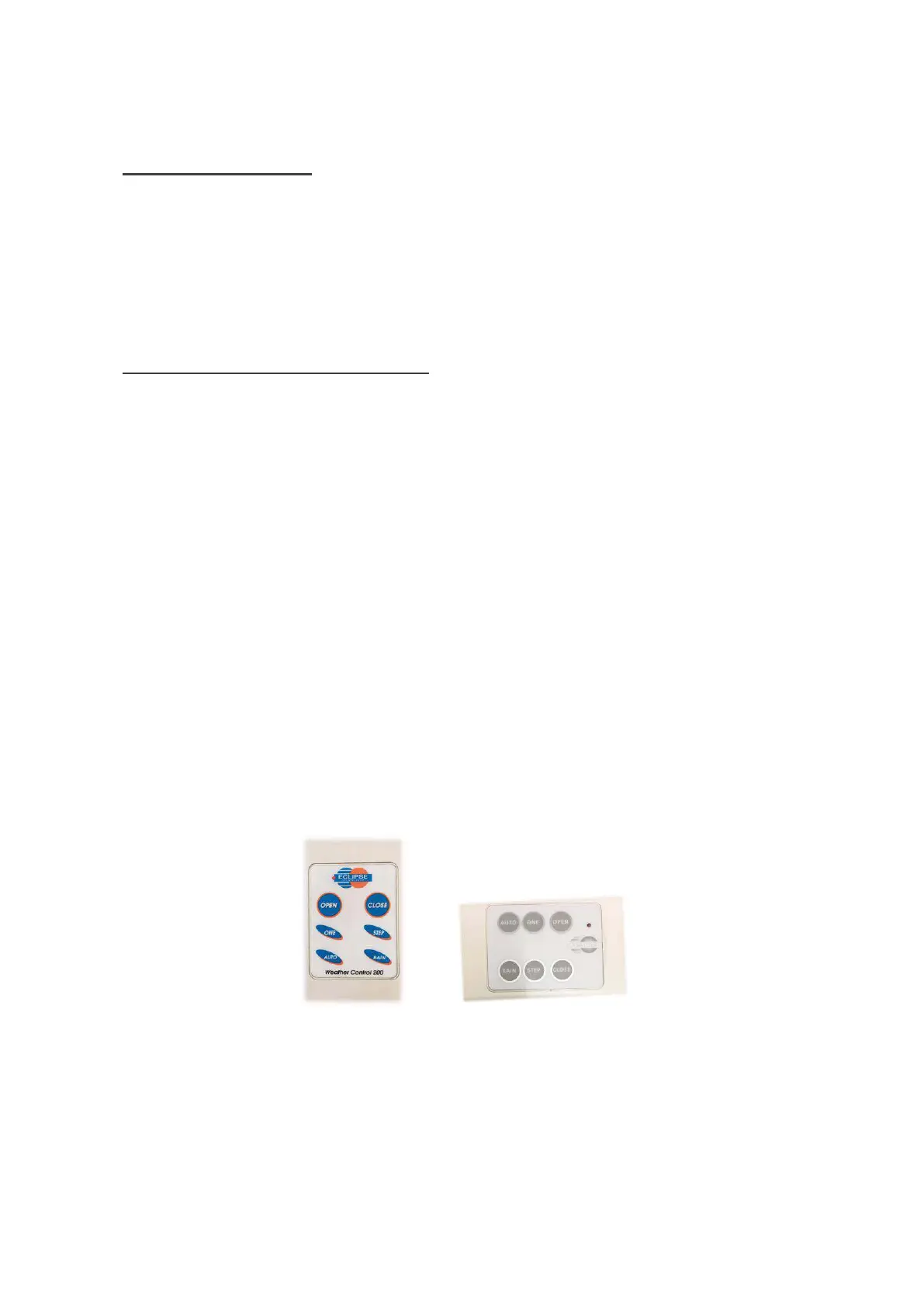
Note: Touchpads can be in various types - Portrait or Landscape, and be Coloured or
Silver/Grey.



 To Next Page