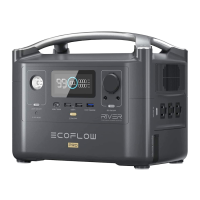
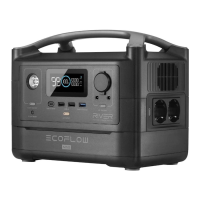
The connected WAVE 2 add-on battery won't charge.
Once a WAVE 2 add-on battery is connected, the charger will initiate the device recognition process.
Please wait for around 1 minute. When recognition is finished, charging will begin.
If the problem persists, please contact technical support.
Maintenance
1. Inspect the cables every month and ensure that the terminals are tight. Look out for cracks,
abrasions, and corrosion on the cables. If you notice any of this, stop using the cables
immediately and follow the instructions in the “Cable Replacement” section.
2. Use dry, soft, and clean cloth or paper towels to clean the charger.
Cable Replacement
For continued protection against risk of fire, or electric shock, replace only with same type and ratings
of fuse.
1. To replace the Output Cable, purchase new cables from EcoFlow’s official sales channels.
2. To replace the Input Cable, Fuse Cable, or Fuse, consult EcoFlow’s official customer service for
purchase suggestions and ask a professional for replacement.
Size: 6 AWG Size: 6 AWG Rated Current: 125A


 To Next Page