08|
Step 4: Smart Control
Schritt 4: Intelligente Steuerung
Étape 4 : Contrôle intelligent
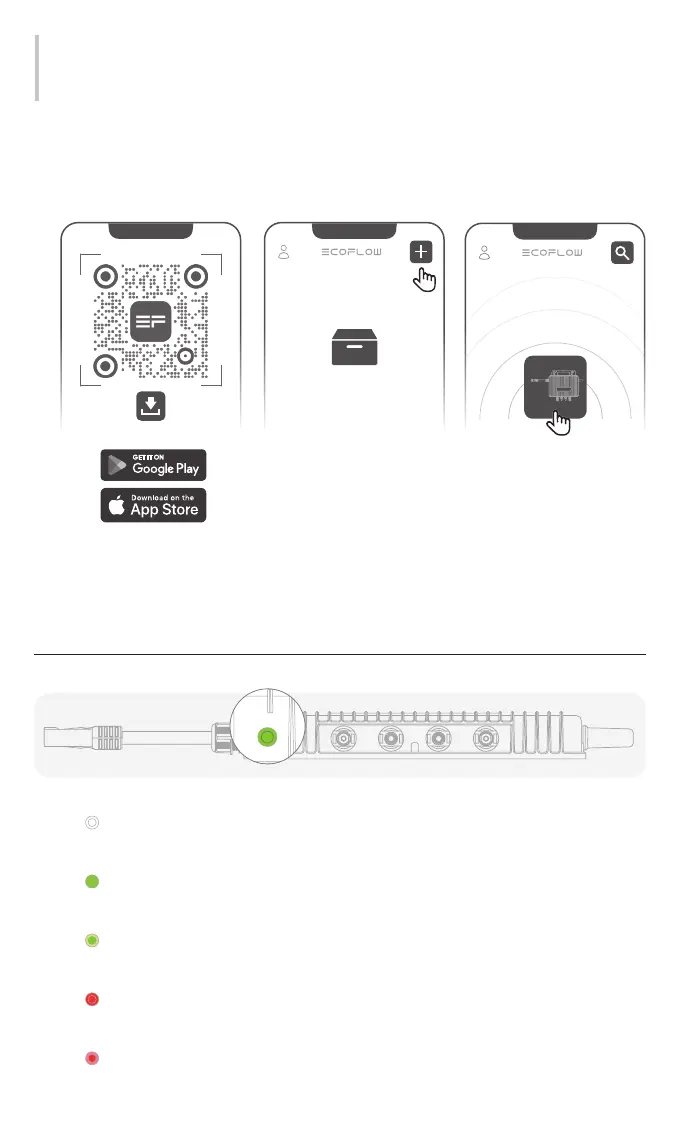
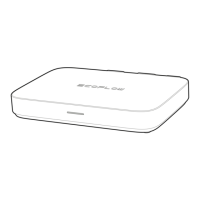
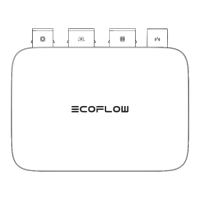
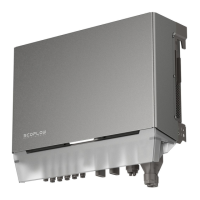
• Download the EcoFlow app and bind you microinverter for smart control.
• Laden Sie sich die EcoFlow App herunter und binden Sie Ihren Mikro-Wechselrichter für eine
intelligente Steuerung mit ein.
• Téléchargez l'application EcoFlow et associez votre micro-onduleur pour profiter d'un contrôle
intelligent.
LED Anzeigen
Signification des voyants
LED
Explanation
Off: Powered off
Aus: Ausgeschaltet
Éteint : hors tension
Solid: Working / Standby
Leuchtet: Betrieb / Standby
Fixe : en fonctionnement / en veille
Flashing: Starting up / Connecting to Wi-Fi / Upgrading firmware
Blinkt: Starten / Mit WLAN verbinden / Firmware aktualisieren
Clignotant : démarrage / connexion au Wi-Fi / mise à niveau du micrologiciel
Solid: Error, contact technical support.
Leuchtet: Fehler. Kontaktieren Sie den technischen Support.
Fixe : erreur. Contactez le service d'assistance technique.
Flashing: Error, check the EcoFlow app.
Blinkt: Fehler. überprüfen Sie die EcoFlow App.
Clignotant : erreur. Consultez les informations dans l'application EcoFlow.


 To Next Page