33
Buttons
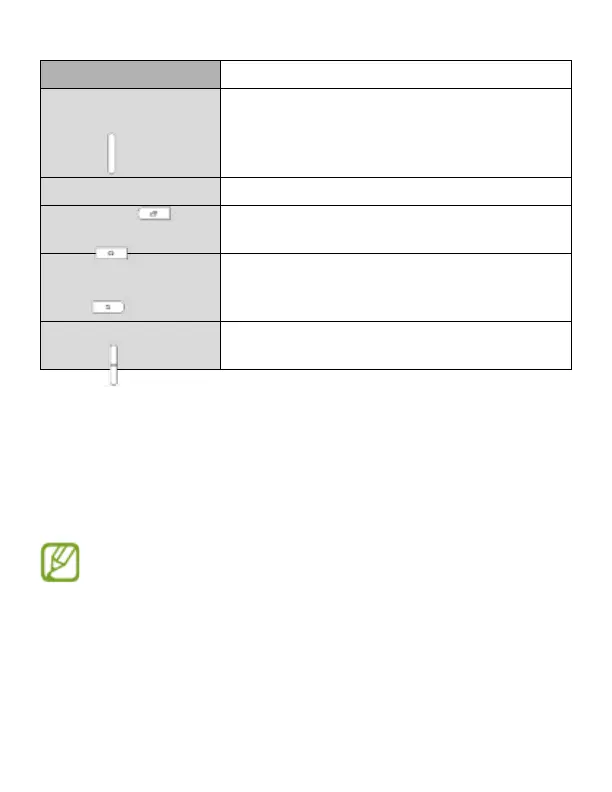
Button Function
Power
• Press and hold to turn the device on or off.
• Press to lock or unlock the device. The device
goes into lock mode when the touch screen
turns off.
Recent apps • Press to open the list of recent applications.
Home
• Press to return to the Home screen.
• Press and hold to launch Google search.
Back
• Pres s to return to the previous screen.
• Press and hold to activate or deactivate
Multi window.
Volume • Press to adjust the device volume.
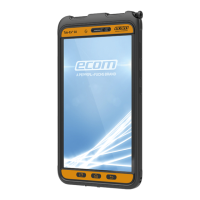
Package contents
Check the product box for the following items:
• Device
• Battery
• Charger
• Quick start guide
• The items supplied with the device and any available accessories may vary
depending on the region or service provider.
• The supplied items are designed only for this device and may not be compatib-
le with other devices.
• Appearances and specications are subject to change without prior notice.
• You can purchase additional accessories from your local Ecom retailer. Make
sure they are compatible with the device before purchase.
• Other accessories may not be compatible with your device.



 To Next Page