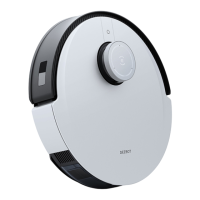
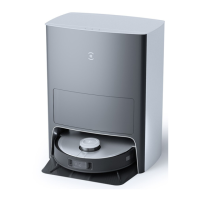
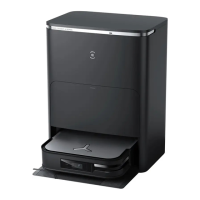
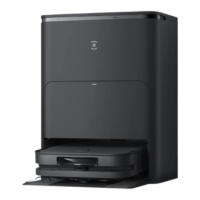
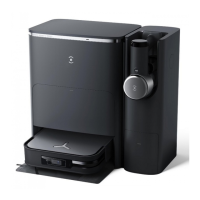
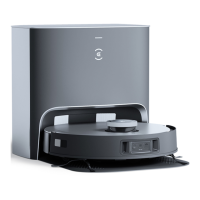
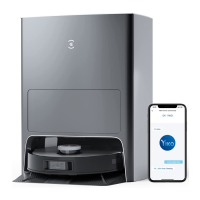
Thank you for choosing DEEBOT. Please follow these steps to get started.
Remove protectors.
Assemble the OMNI Station
Add water to Clean Water Tank
Note: The water drops in the Water Tank is left over from the
function test, please rest assured to use.
nstall Side Brushes.
Click
0
O
can
O
Scan the QR code to download ECOVACS
HOME App.
Download on the
App Store
Get it on
Gooqle Play
ECOVACS HOME
Power ON. Open the App
Scan the QR code under the cover to add your robot
via the App.
Note: Please use a 2 4GHz or 2.4/5 GHz mixed network.
AM
My
Recall/Exit Button
Make sure that the OMNI Station is connected to the
power.Tap[é, DEEBOTwill return to the Station
automatically and start charging
Note: Do not install the Mopping Pad Plates for the first time
cleaning. Vacuum Mode is recommended for a quick mapping
Need Help?
Save the trouble for return.
Contact us, we are here to help!
Find support on
ecovacs.com/us/support
Contact our Customer Success Team
customerservice@ecovacs.com
WELCOME to the ECOVACS family!
Follow Us
0000
Self-cleaning Button
Start/Pause Button


 Need help?
 General