13 EN
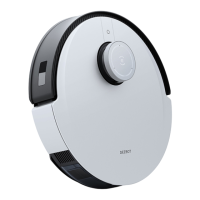
Vacuum
Cleaner
4
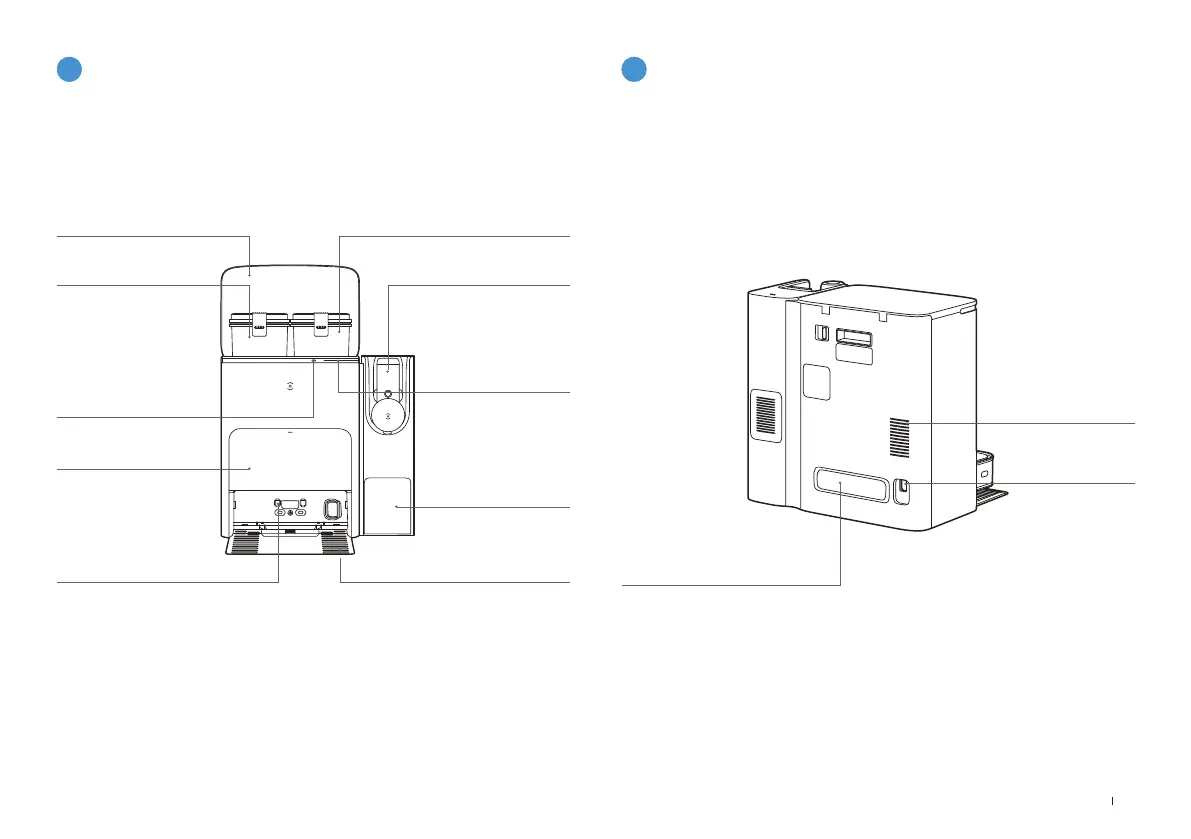
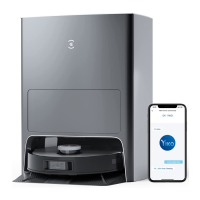
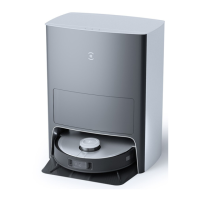
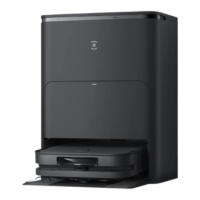
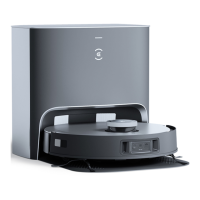
Station(Front)
Note:
• If the Light Strip is flashing red, please check the reason in ECOVACS HOME App�
• If DEEBOT fails to charge, please wipe Charging Contacts with a clean and dry cloth�
Top Cover
Dirty Water Tank
Dust Collection Cabin
Charging Contacts
Clean Water Tank
Storage Box for
Brushes
Cleaning Sink
5
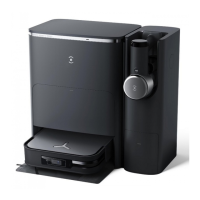
Station(Back)
Cable Trunking
Air Vent
Power Socket
Button on Station
Short Press
(DEEBOT in the Station):
Start/Pause
Long Press for 3s: Self-clean
Double Click: Vacuum Cleaner
Auto-Empty
Light Strip
Glowing Blue: Standby/Running
Flashing Red: Malfunction
Goes out: Power Outage/
Deep Sleep Mode






 To Next Page