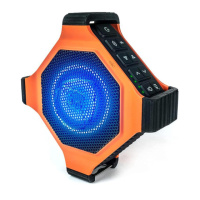
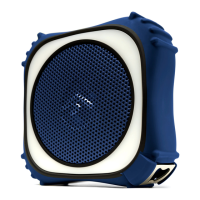
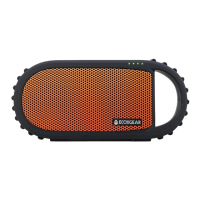
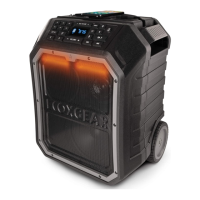
If the speakers do not automatically pair when they are first
turned on, PRESS & HOLD on each speaker for 5 seconds.
Once the speakers emit a tone, follow the Bluetooth Pairing
& Audio instructions to connect one Marine FX speaker to
your device. Leave this speaker powered on and connected
to your device.
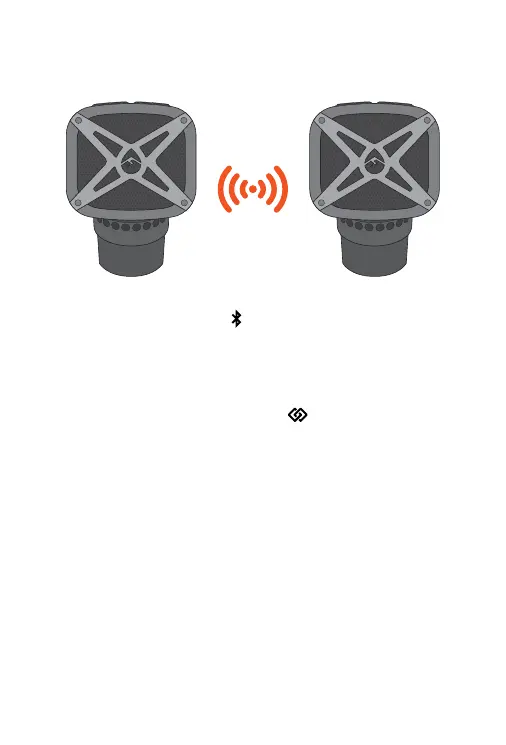
Next, press the EcoConnect Button on both of your
speakers. Both speakers will announce, “EcoConnect, pairing
speakers.” Wait approximately 4 seconds for the speakers to
wirelessly connect. Both speakers will announce “
Speakers
paired.” Then, one speaker will announce, “Stereo mode, left
speaker,” the other speaker will announce, “right speaker,” and
the EcoConnect light will turn solid BLUE on both speakers
once the connection is completed.
Once the two speakers are connected via EcoConnect, start
playing music from your device. Both connected speakers will
play the music from you device.
NOTE: The EcoConnect feature works when paired to
another EcoConnect capable speaker with a distance of up
to 30ft from each other. EcoConnect only works when using
Bluetooth as your audio source.
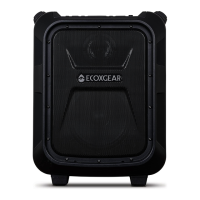
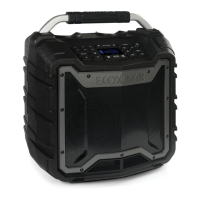
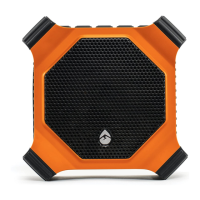
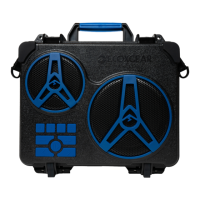
EcoConnect - Wireless Stereo
Connection of Two Speakers



 To Next Page
 Loading...