16
Installing the Motherboard
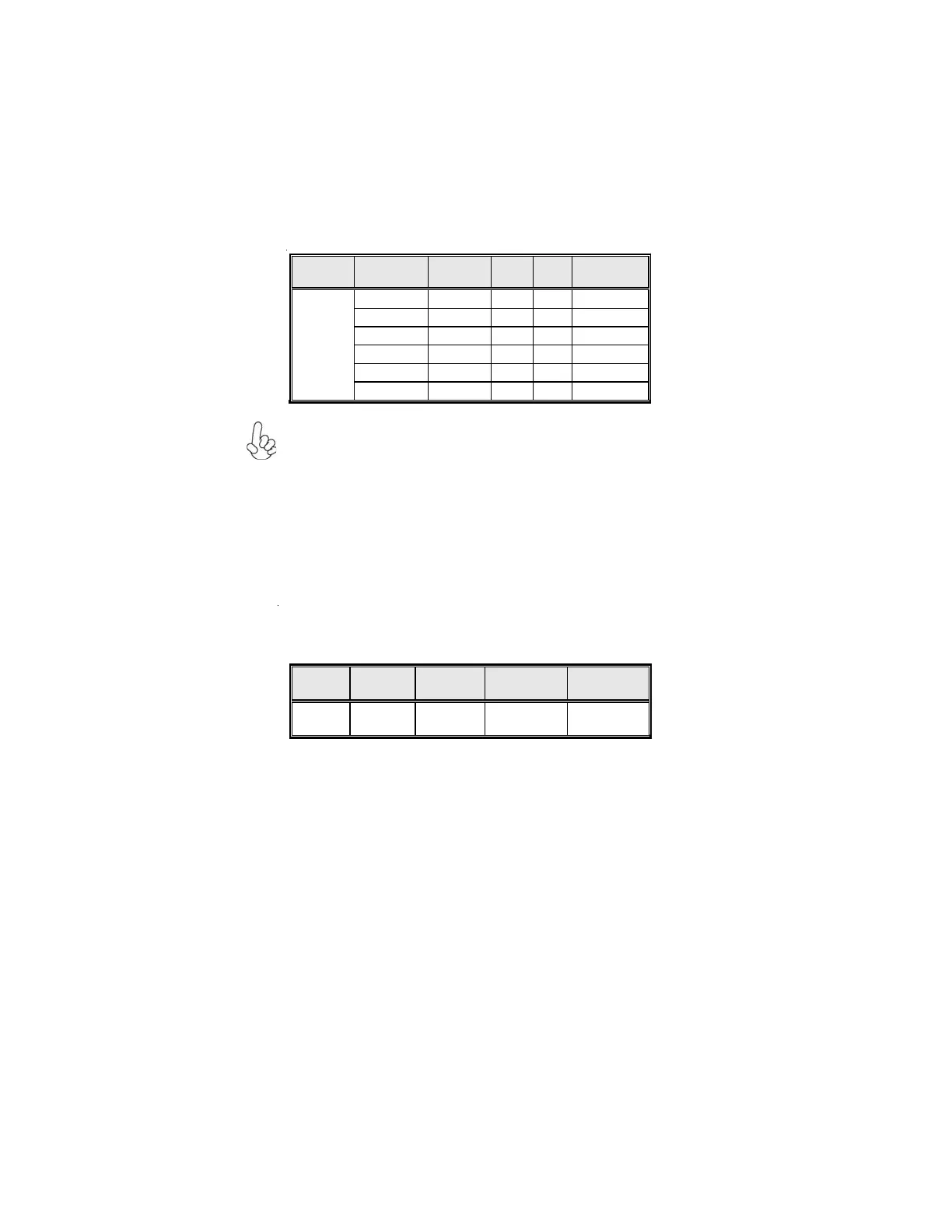
Function
Init Display
First
Onboard
VGA
PCI-E
x16
PCI-E
x4
Test Result
PCI-E Card
o
x x pass
PCI-E Card
x
o x pass
PCI-E Card
x
x o pass
PCI-E Card
o
x o pass
Onboard VGA
o
x o Not support
Install
WinXP
PCI-E Card
x
o o Not support
2. If you install the add-on PCI Express VGA card, BIOS setup will auto-
matically disable the onboard VGA after loading optimal defaults. To en-
able the Surround Display function, make sure to manually enable onboard
VGA in the BIOS setting.
3. When using surround display, please make sure that “Init Display First”
in “CMOS Setup Utility” should be selected to “Onboard VGA”.
Surround Display
ADD2 Card Function
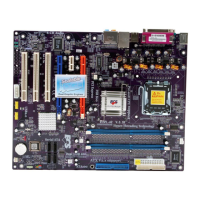
When you want to perform dual view (clone) function, only the following assemble
supports.
Function PCI-E x16 PCI-E x4 Test Result Remark
Dual View
(Clone)
o x pass
1. When the driver of onboard VGA is installed first, the primary Graphics in
Windows will be onboard VGA. However, if the driver of add-on PCI Ex-
press Graphics card is installed first, the primary Graphics in Windows will
be add-on PCI Express Graphics card.



 To Next Page