27
Using BIOS
Standard CMOS Setup
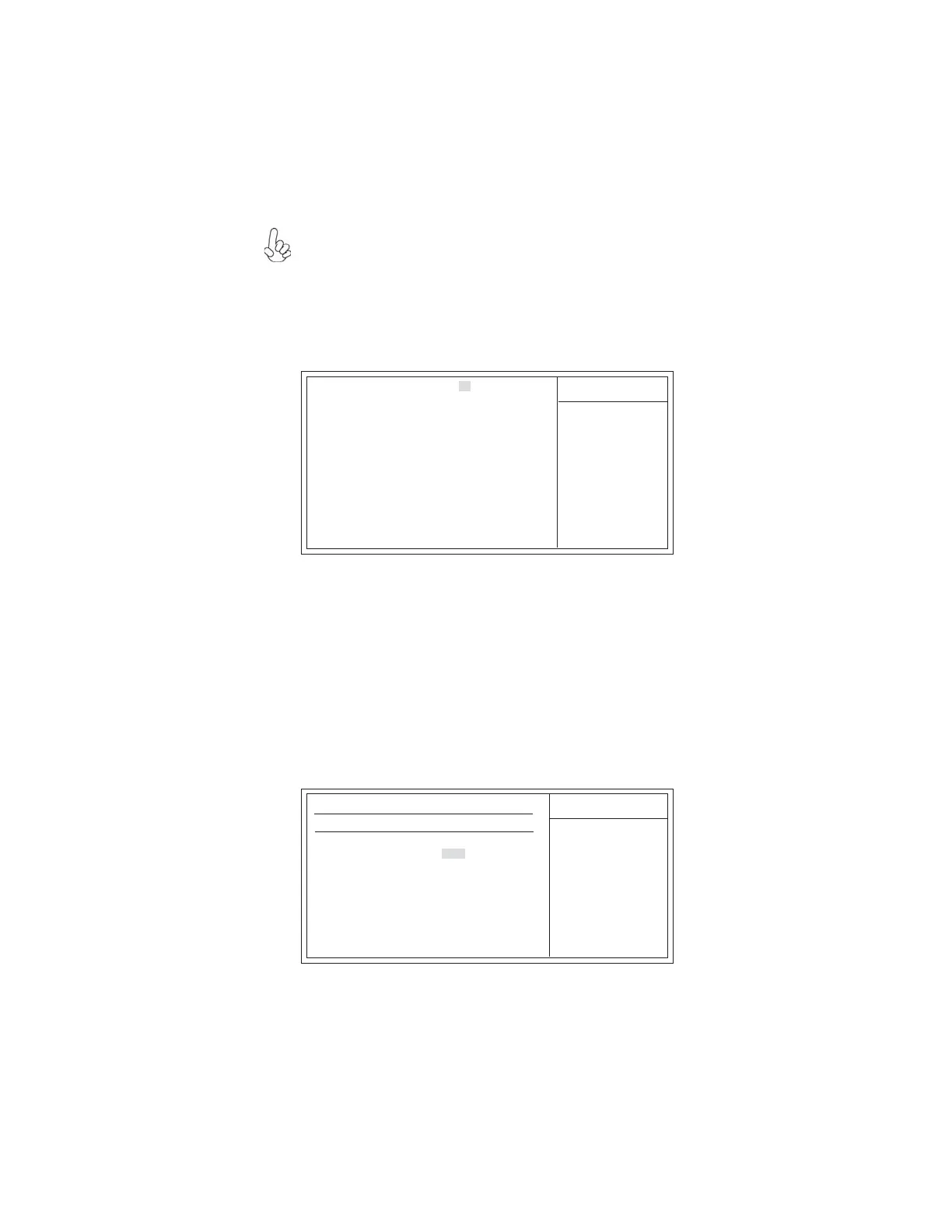
This option displays basic information about your system.
System Date and Time
The Date and Time items show the current date and time on the computer. If
you are running a Windows OS, these items are automatically updated whenever you
make changes to the Windows Date and Time Properties utility.
CMOS Setup Utility - Copyright (C) 1985-2005, American Megatrends, Inc.
Primary IDE Master
CMOS Setup Utility - Copyright (C) 1985-2005, American Megatrends, Inc.
Standard CMOS Setup
f
Use [ENTER], [TAB]
or [SHIFT-TAB] TO
select a field.
Use [+] or [-] to
configure system Date.
Help Item
IDE BusMaster Enabled
Floppy A 1..44 MB 3
1
/
2
”
f
Primary IDE Master Not Detected
f
Primary IDE Slave Not Detected
Secondary IDE Master Not Detected
Secondary IDE Slave Not Detected
Third IDE Master Hard Disk
Third IDE Slave ATAPI CDROM
f
f
System Date Sun, 01/ 01/2006
System Time 00:09:48
F10: Save and Exit+/-/: Value
Enter : Select
ESC: Exit
F9: Optimized Defaults
F1:General Help
: Move
mnlk
Primary IDE Master
Device : Not Detected
Type Auto
LBA/Large Mode Auto
Block (Multi-Sector Transfer) Auto
PIO Mode Auto
DMA Mode Auto
S.M.A.R.T. Auto
32 Bit Data Transfer Disabled
Help Item
Select the type of device
connected to the system.
F10: Save and Exit+/-/: Value
Enter : Select
ESC: Exit
F9: Optimized Defaults
F1:General Help
: Move
mnlk
f Primary/Secondary/Third IDE Master/Slave
Your computer has one IDE channels and each channel can be installed with one or
two devices (Master and Slave). In addition, this motherboard supports four SATA
channels and each channel allows one SATA device to be installed. Use these items to
configure each device on the IDE channel.
f
For the purpose of better product maintenance, the manufacture reserves the
right to change the BIOS items presented in this manual. The BIOS setup
screens shown in this chapter are for reference only and may differ from the
actual BIOS. Please visit the manufacture’s website for updated manual.



 To Next Page