30
Using BIOS
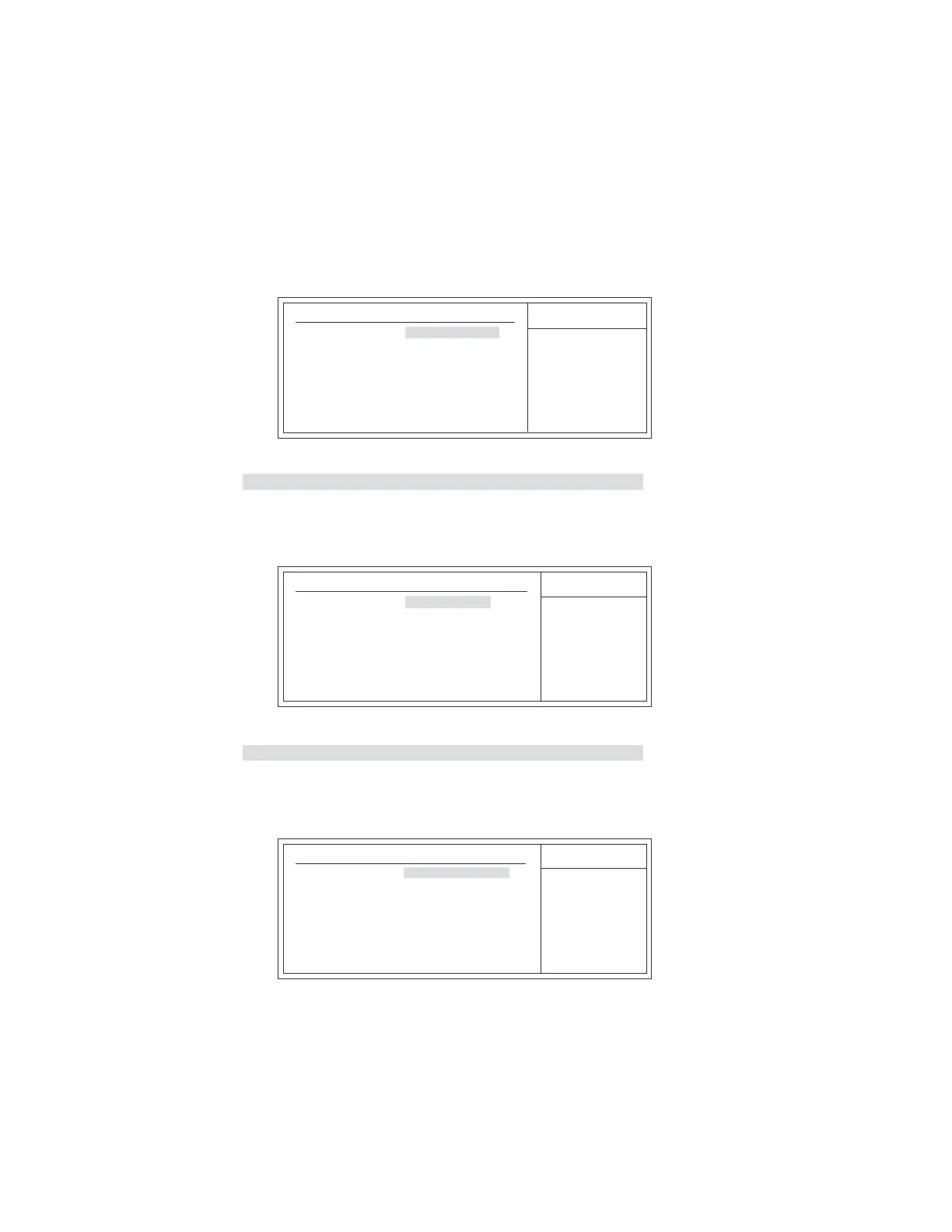
fHard Disk Drives (Press Enter)
Scroll to this item and press <Enter> to view the following screen:
Hard Disk Drives
1st Drive HDD:3M-ST3200827A
Help Item
Specifies the boot
sequence from the
available devices.
F10: Save and Exit+/-/: Value
Enter : Select
ESC: Exit
F9: Optimized Defaults
F1:General Help
: Move
mnlk
CMOS Setup Utility - Copyright (C) 1985-2005, American Megatrends, Inc.
Hard Disk Drives
f Removable Drives (Press Enter)
Scroll to this item and press <Enter> to view the following screen:
Removable Drives
1st Drive 1st FLOPPY DRIVE
Help Item
Specifies the boot
sequence from the
available devices.
F10: Save and Exit+/-/: Value
Enter : Select
ESC: Exit
F9: Optimized Defaults
F1:General Help
: Move
mnlk
CMOS Setup Utility - Copyright (C) 1985-2005, American Megatrends, Inc.
Removable Drives
Press <Esc> to return to the Advanced Setup page.
fCD/DVD Drives (Press Enter)
Scroll to this item and press <Enter> to view the following screen:
CD/DVD Drives
1st Drive CD/DVD:3S-POINEER D
Help Item
Specifies the boot
sequence from the
available devices.
F10: Save and Exit+/-/: Value
Enter : Select
ESC: ExitF9: Optimized DefaultsF1:General Help
: Move
mnlk
CMOS Setup Utility - Copyright (C) 1985-2005, American Megatrends, Inc.
CD/DVD Drives
Press <Esc> to return to the Advanced Setup page.



 To Next Page