24
Using BIOS
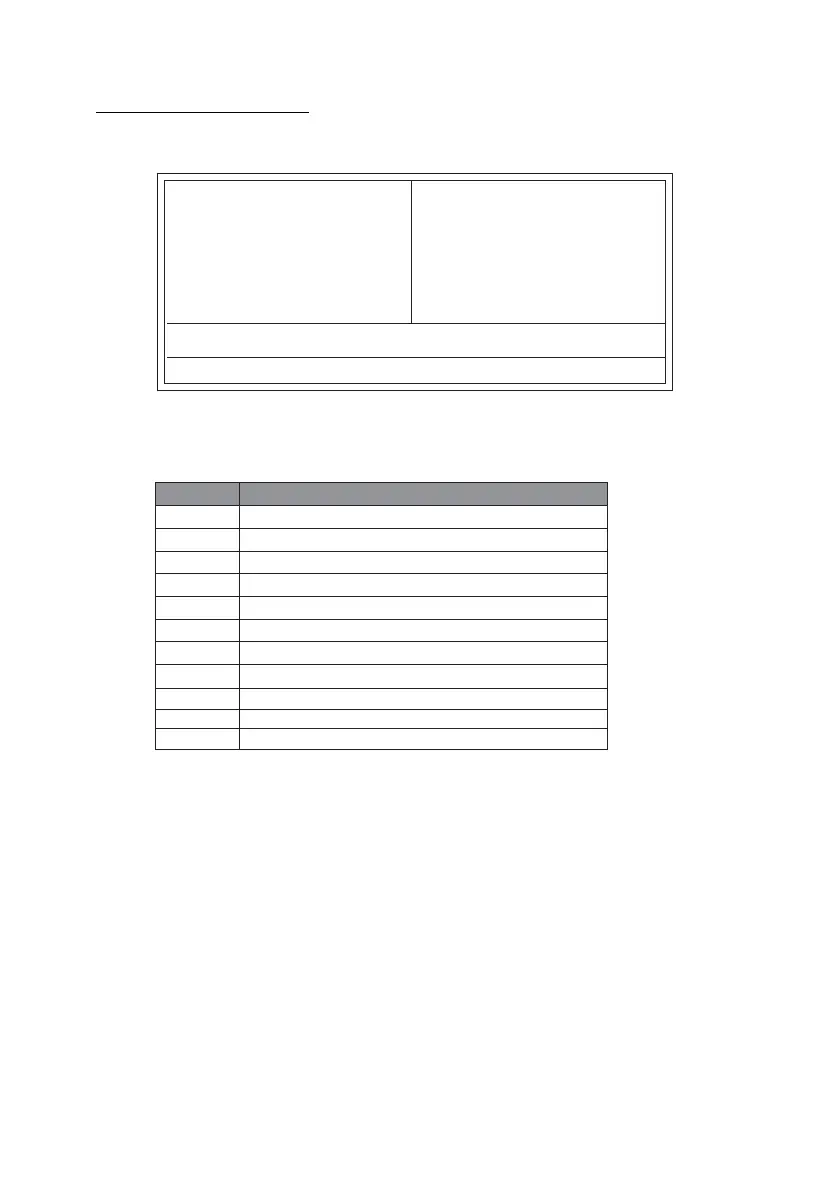
Press DEL to enter SETUP
Pressing the delete key accesses the BIOS Setup Utility:
Advanced Chipset Features
PC Health Status
Phoenix-AwardBIOS CMOS Setup Utility:
Standard CMOS Features
Esc: Quit
: Select Item
F10: Save & Exit Setup
Time, Date, Hard Disk Type...
Advanced BIOS Features
Integrated Peripherals
Power Management Setup
PnP/PCI Configurations
KEY FUNCTION
ESC Exits the current menu
Move
+/-/PU/PD
F1
BIOS Navigation Keys
The BIOS navigation keys are listed below:
Enter
Select
Value
General Help
F2
Item Help
F5
Previous Values
F6
Fail-Safe Defaults
F7
Optimized Defaults
F9
Menu in BIOS
F10
Save
Load Performance
Load Optimized Defaults
Set Supervisor Password
Set User Password
Save & Exit Setup
Exit Without Saving



 To Next Page