48
ATI CrossFireX
TM
Technology Support
Installing CrossFireX
TM
graphics cards
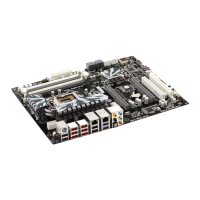
1. Insert the CrossFireX
TM
graphics cards into the PCIE16X_1 and PCIE16X_2 slots.
Make sure that the card is properly seated on the slot.
3. Connect the two CrossFireX
TM
Edition graphics cards installed on PCIE16X_1 and
PCIE16X_2 slots with the CrossFire Bridge.
5. Connect an auxiliary power source from the power supply to the graphics cards.
2. Connect an external cable to the CrossFireX
TM
ready graphics card installed on the
PCIE16X_2 slot.
External Cable
4. Connect the external cable to the corresponding port on your monitor.



 To Next Page