22
Installing the Motherboard
For the latest updates of the supported PCI Express Lite VGA cards list,
please visit ECS ELITEGROUP website for details.
ECS ELITEGROUP website: http://www.ecs.com.tw
Table C: Supported PCI Express Lite VGA Cards List
VGA Chip Chipset Model Name
Radeon X300SE ECS RX300SE-128TDN V:C
Radeon X300 ASUS EAX300LE A334C/TD
Radeon X600XT GIGABYTE GV-RX60XT 128V
Radeon X700Pro ELSA FALCONX X70PRO 256B3
AT I
Radeon X800XT MSI RX800XT-VDT256E
GeForce PCX5300 GIGABYTE GV-NX53128D
GeForce PCX5750 ASUS EN5750/A
GeForce PCX5900 WINFAST PX350XT
GeForce PCX5900 ELSA PCX935
GeForce6200 GIGABYET GV-NX62128D
GeForce6200TC GIGABYTE GV-NX62TC256D
GeForce6600 WINFAST PX6600TD
GeForce6600GT GIGABYTE GV-NX66T128D
nVIDIA
GeForce6800Ultra WINFAST PX6800Ultra
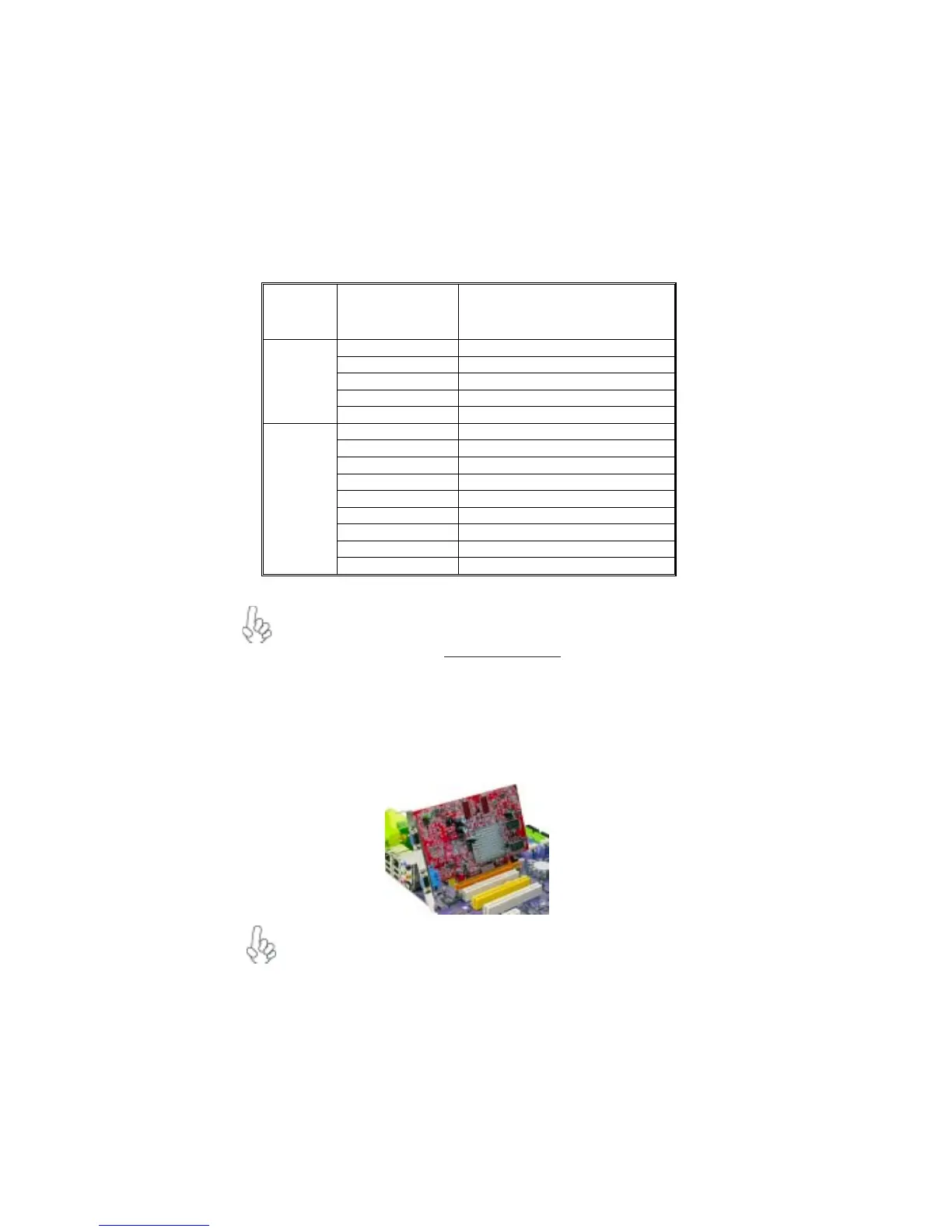
Follow these instructions to install an add-on card:
1 Remove a blanking plate from the system case corresponding to the slot you
are going to use.
2 Install the edge connector of the add-on card into the expansion slot. Ensure
that the edge connector is correctly seated in the slot.
3 Secure the metal bracket of the card to the system case with a screw.
For some add-on cards, for example graphics adapters and network adapters,
you have to install drivers and software before you can begin using the add-on
card.



 To Next Page