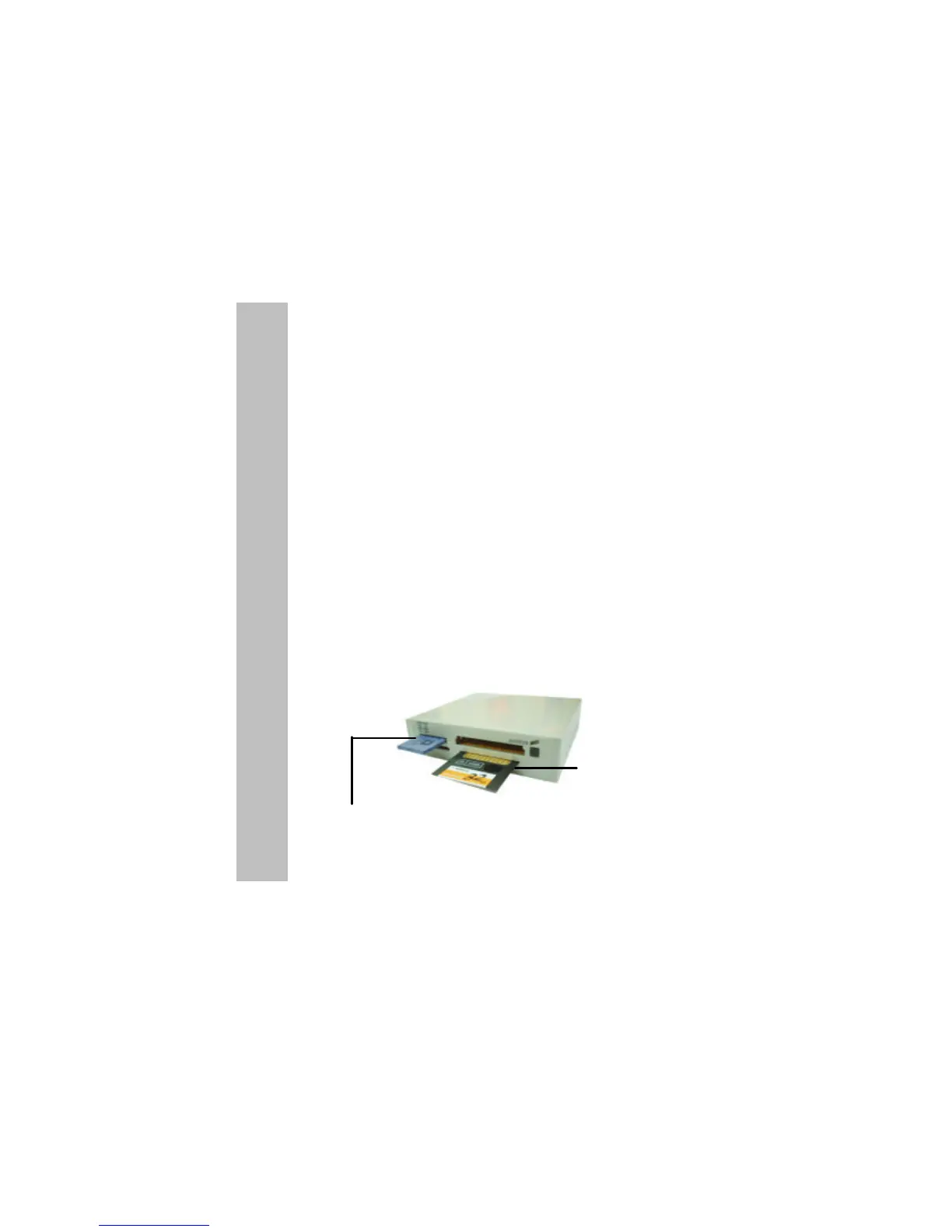
Insert & Remove a SmartMedia Card
Insert a SmartMedia card (SSFDC) with its gold contacts side face
down into t he socket of the reader. To remove the card, simply pull
out of the reader. See figure below.
Note: Be careful not to insert the SmartMedia card in the wrong
direction. If the computer is not recognizing the media, or
if it does not fit correctly, re-orientate the media and try
inserting it again.
Insert & Remove a Memory Stick Card
Insert the Memory Stick card into the socket with the gold contacts
on the right. Gently push the card in all the way until the card
is fixed in place. To remove a card, simply pull the card out of the
reader.
Note: If you intend on writing to or deleting from your Memory
Stick card, make sure the Memory Stick is not locked. The
lock tab can be found on the bottom side of the Memory Stick
.
1



 To Next Page