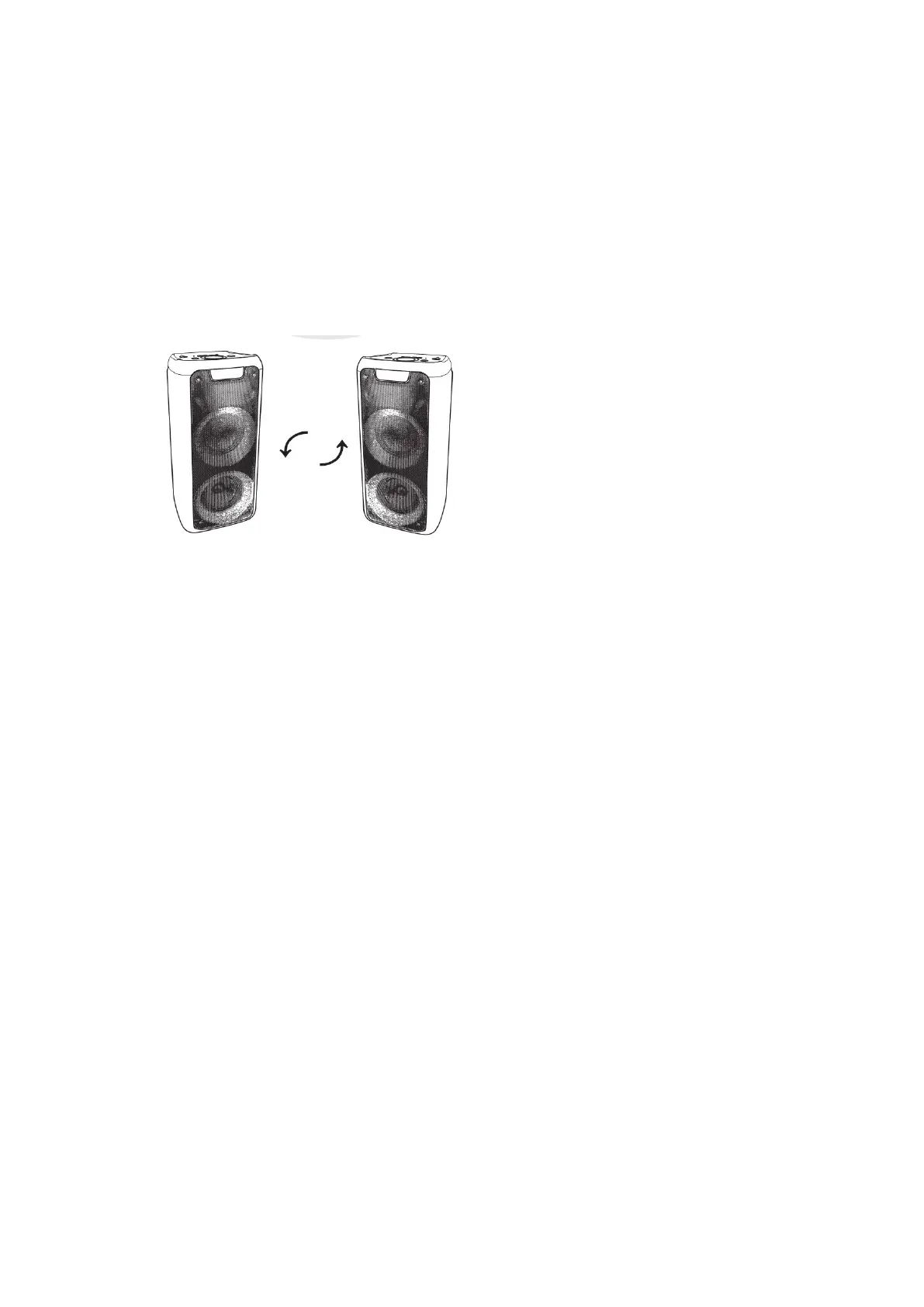
4. Press TWS button on the other speaker, this speaker display will show 'BLUE' and
keep blinking, you will hear 'ding dong' after both speakers connected successfully,
and 'BLUE' on display will stop blinking .
5. Now you can play songs from your Bluetooth devices.
6. Long press TWS button from any device to disconnect TWS function.
Note:
The speaker connect to your Bluetooth devices that means that it is Host speaker.
The other speaker is assistant speaker.


 To Next Page