91
English
There are four types of
programme:
a Normal pro-
grammes
b Delicate pro-
grammes
c Wool program-
mes
d Auxiliary pro-
grammes
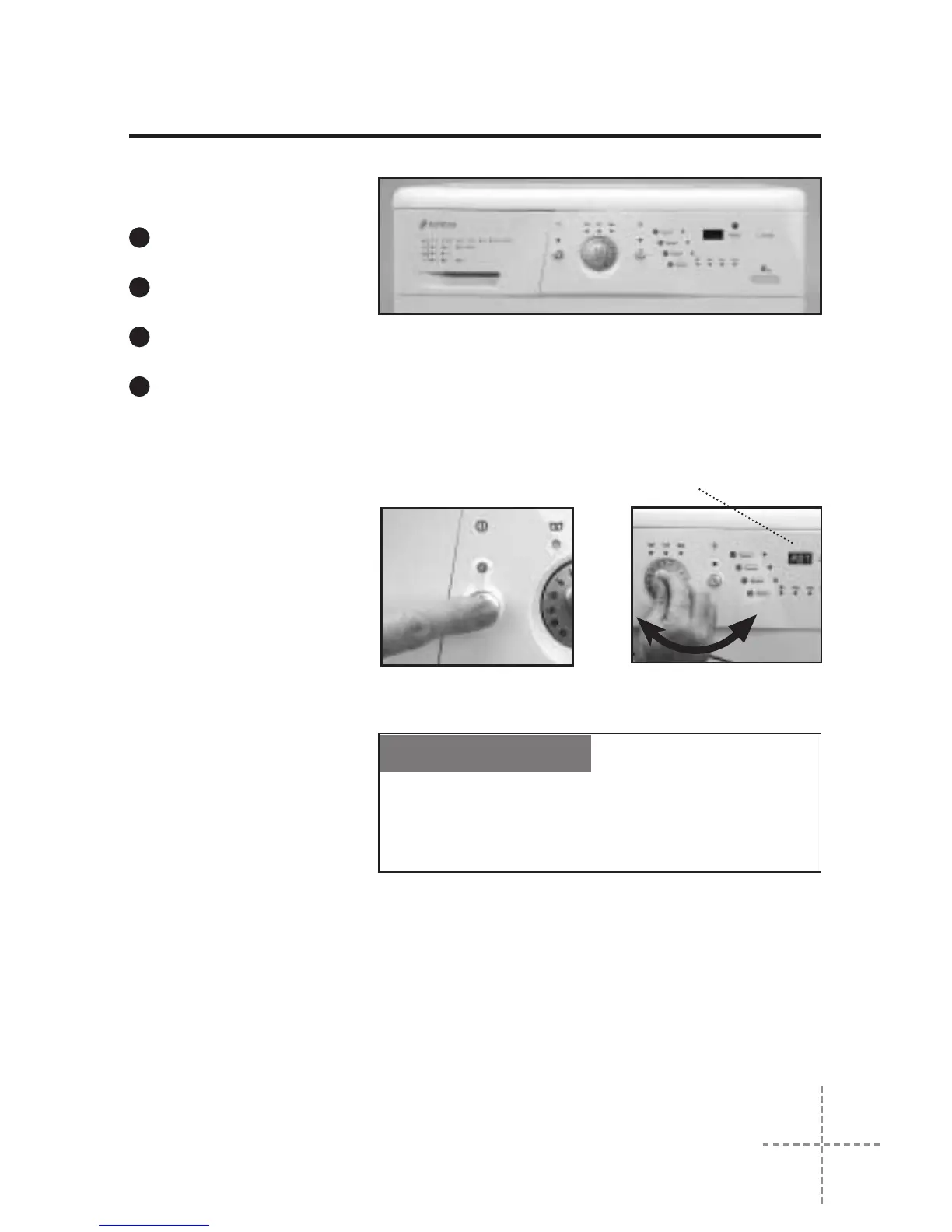
To select a wash pro-
gramme, proceed as
follow:
1. Switch the washing
machine ON by
pressing the master
switch (the pilot light
above the master
switch will come on).
2. Select the wash pro-
gramme by turning
the Programme
Selector Dial.
When this is done the
spin speed light for this
programme will come on.
If your washing machine
has a display, it will light
up for a few seconds
when the programme is
selected, showing P +
programme number
(P01, P02, etc.). It will
then show the approxi-
mate duration in minu-
tes.
The time shown on the
display will vary accor-
ding to the stage the
programme is at.
We recommend you choose a wash programme
without pre-wash whenever possible. This will
save you money and help protect the environment.
ECOLOGICAL NOTE
display
3
SELECTING THE WASH PROGRAMME


 To Next Page