EasyManua.ls Logo

Edge Products CTS - User Manual

Default Icon
64 pages
Print Icon
To Next Page IconTo Next Page
Loading...
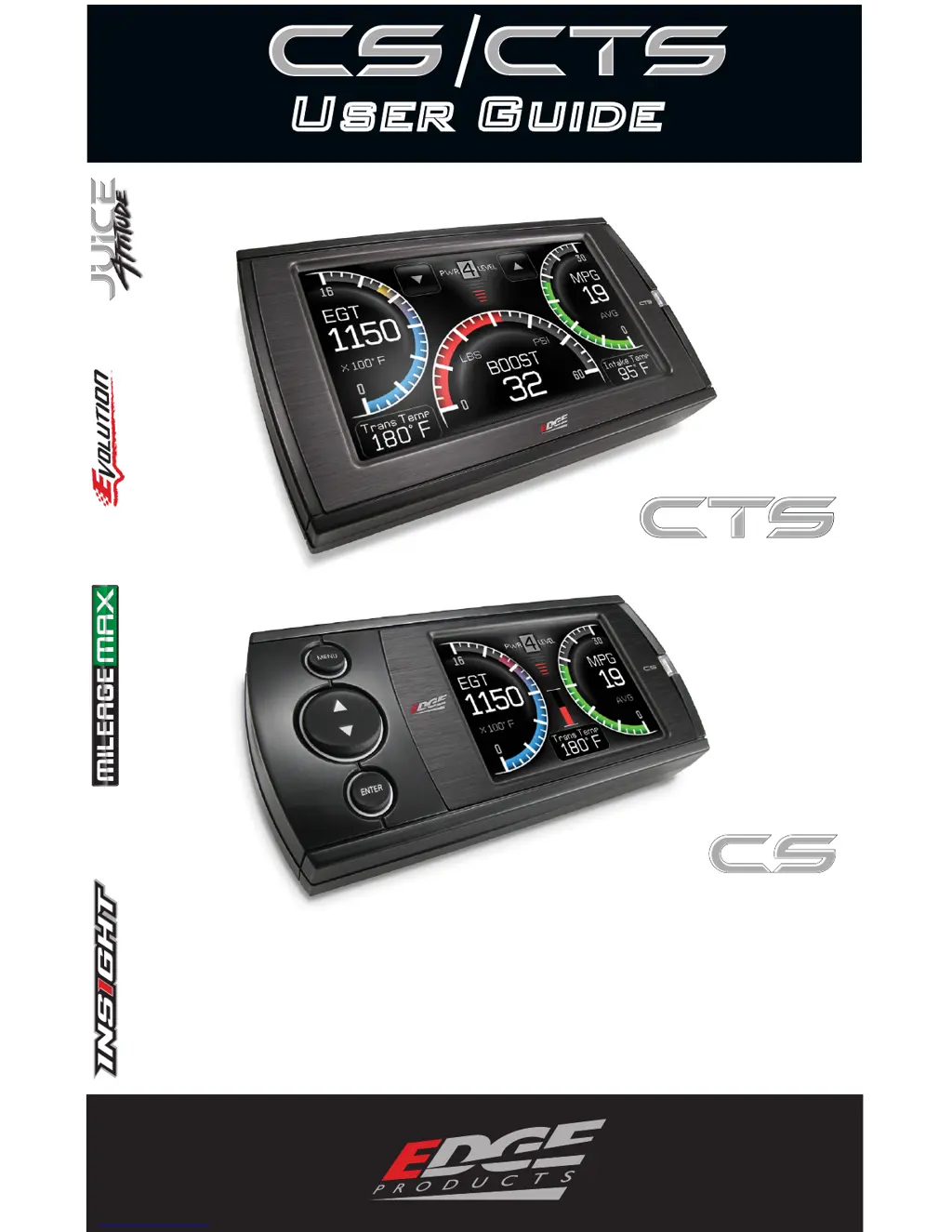
U S E R G U I D E
Color Touch Screen
Color Screen
User Guide

Other manuals for Edge Products CTS

Questions and Answers

  • A
    April RobertsonAug 8, 2025
    What to do if vehicle does not start after Edge Products CTS Touchscreen programming?
    • J
      john39Aug 8, 2025
      If your vehicle doesn't start after programming with the Edge Products Touchscreen, the calibration might not have written correctly. Try selecting “Return to stock” from the programming menu, then program back to stock. Attempt to start the vehicle again. If the issue persists, further assistance is needed.
  • G
    grahamchrisAug 15, 2025
    What to do if Edge Products CTS Touchscreen camera picture is frozen?
    • M
      mccartydevinAug 15, 2025
      If the Edge Products Touchscreen camera picture is frozen, it might be due to bad connections. Try cycling the key off and on. Also, double-check your fuse and connectors.
  • T
    thomasandersonAug 22, 2025
    Why is there no display on my Edge Products Touchscreen when the key is in the 'on' position?
    • L
      Lisa JordanAug 22, 2025
      If you experience no display on your Edge Products Touchscreen when the key is in the “on” position, it may be because the unit requires manual activation. Touch the screen or start the vehicle. If the screen still doesn’t turn on, further assistance is needed.
  • C
    Crystal LewisAug 31, 2025
    Why does my Edge Products CTS Touchscreen beep for two seconds?
    • N
      Nancy HardingAug 31, 2025
      If the Edge Products Touchscreen beeps for two seconds (long beep), it indicates that the unit is too hot from being in direct sunlight. Once the device cools down, the screen will turn itself on.

Summary

Introduction and Safety

Safety Warnings and Guidelines

Defines safety terms and provides critical warnings for device usage.

Safety Guidelines

Rules and precautions for safe operation and use of the device.

Limited Warranty and Information

Details the terms and conditions of the product's one-year limited warranty.

Product Registration Benefits

Encourages product registration for benefits like updates and support.

CS and CTS Model Overview

Introduces the CS and CTS models, highlighting their features and differences.

Mounting Options and Accessories

Describes standard and custom mounting solutions for the devices.

Parts Description

Included Components and Tools

Lists all items supplied in the CS/CTS kit with suggested tools.

CS and CTS Device Features

Details the features and physical components of the CS and CTS devices.

Cables and Peripherals

Explains the function of the USB cable, CD, and other included items.

Installation Guide

Locating the OBDII Port

Guides users on how to find the vehicle's OBDII port.

Routing the OBDII Cable

Instructions on connecting and routing the OBDII cable.

Device Mounting and Connection

Details on attaching the mount and connecting the OBDII cable.

Final Installation Checks

Advice on checking the device's position for optimal viewing and safety.

Device Power Up

Explains how to power on the CS/CTS device after installation.

Operating Your Device

Navigating the Menu System

Explains how to navigate the main menu and use navigation buttons.

CS;CTS Alerts and Notifications

Details how the device notifies the user of parameter deviations.

Vehicle Programming and Power Levels

Guides users on selecting and applying power levels for their vehicle.

Diagnostics and Performance Tests

Introduces diagnostic functions and performance testing.

Customization and Settings

Covers options for alerts, screen layout, tire size, and factory reset.

Help and Contact Information

Provides access to product info, vehicle info, and contact details.

Internet Updates

Fusion Update Software

Explains how to use Fusion software to update firmware and calibration.

Update Process and Error Handling

Guides through the update process and discusses potential errors.

Appendix and Support

Accessories and Mounting Options

Introduces accessories like the EAS and custom mounting solutions.

OEM EGT Locations and Recommendations

Discusses OEM EGT sensor placement and recommendations for optimal readings.

Troubleshooting Common Issues

Provides tips and solutions for common symptoms and problems.

Commonly Used Acronyms

A glossary of common acronyms and abbreviations used in the manual.

Edge Products CTS Specifications

General IconGeneral
BrandEdge Products
ModelCTS
CategoryTouchscreen
LanguageEnglish

Related product manuals