78
support@edgeovens.com Technical Support: +1 (724) 628 3050
PREFACEOPERATION
SERVICE
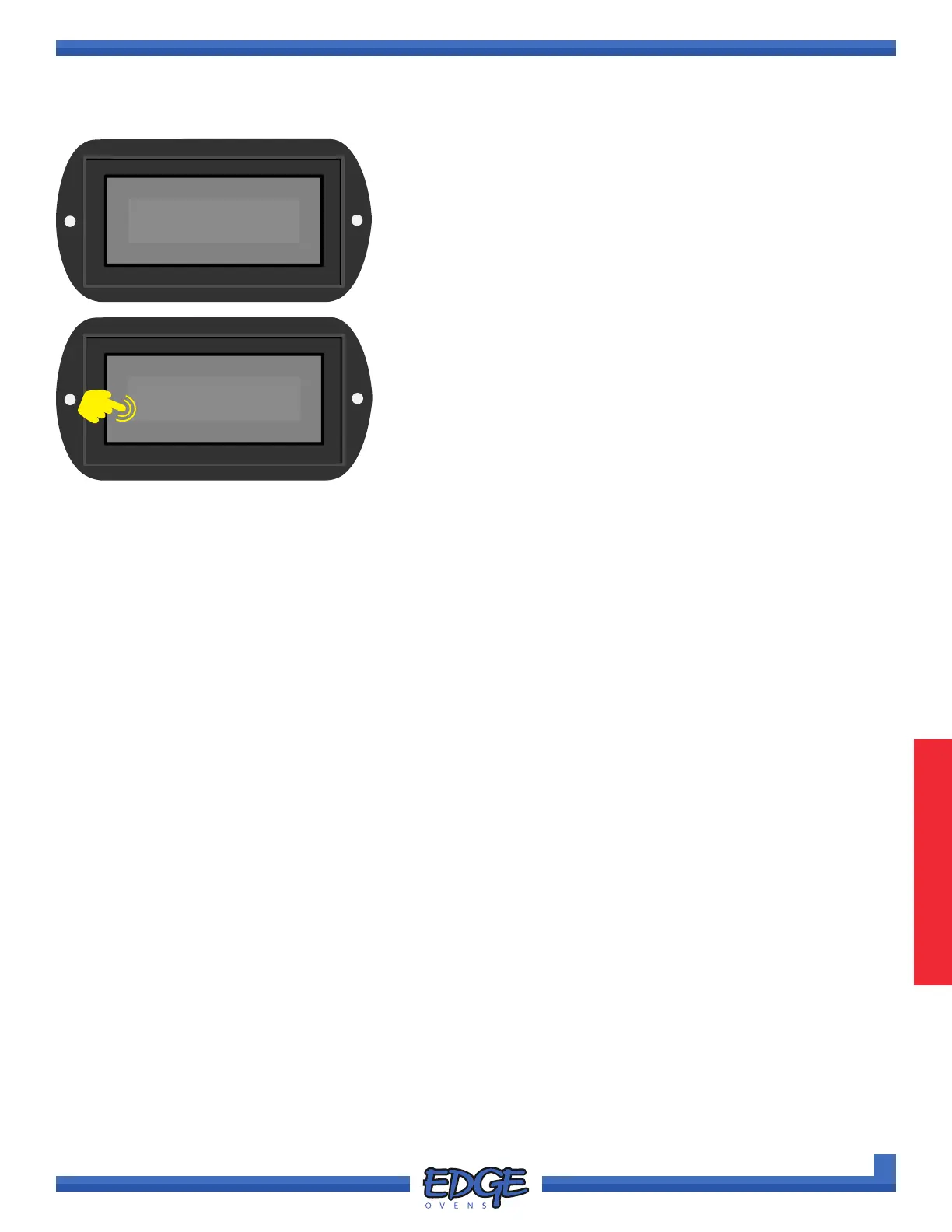
11. Once complete the “Upload Complete, Remove USB drive”
message will ash up on the screen for approximately ve (5)
seconds, before returning to the SW UPDATE option screen. It
is now safe to remove you USB drive and replace the USB port
dust cover
Update Complete
Remove USB drive
OVEN OPERATION
OVEN SETTINGS (CONTINUED)
✔
✖
12
SW UPDATE
12. To return to the SYSTEM MENU touch the cross (✖) icon as
required to exit each option level. Swipe left or right to return to
the main OPERATING SCREEN.



 To Next Page