EasyManua.ls Logo

Edge EDGE-1830 - User Manual

Edge EDGE-1830
178 pages
Print Icon
To Next Page IconTo Next Page
Loading...
Original Installation
Operation & Service Manual
(2C) Chassis, 2022
US Domestic
Retain This Manual for Future Reference
To Be Serviced by Authorized & Qualied Personnel Only
www.edgeovens.com
MF&B Restaurant System, Inc.
119 ICMI Road, Suite 300,
Dunbar, PA, 15431, USA
+1.724.628.3050
+1.888.480.EDGE
support@edgeovens.com
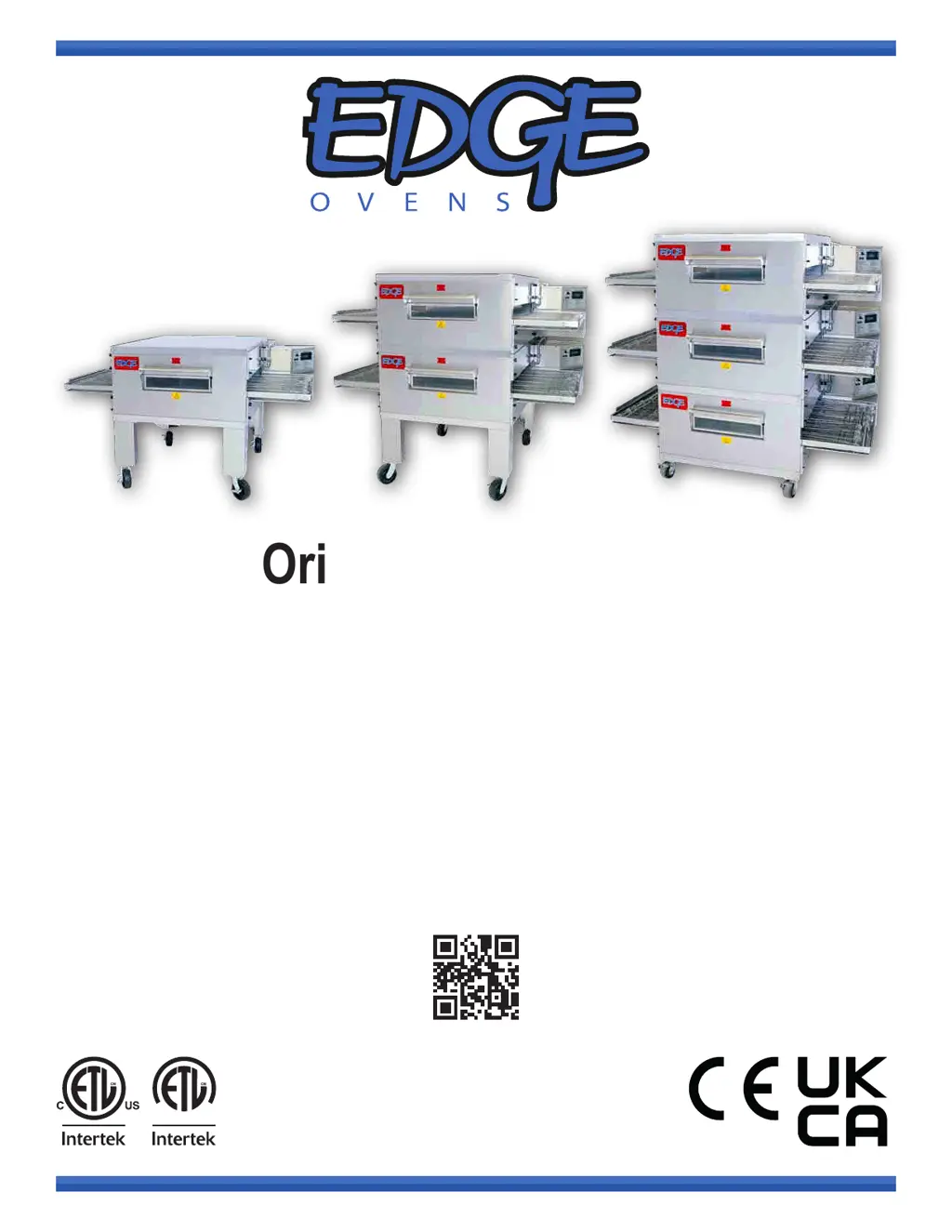
For use with the following EDGE Gas Ovens:
EDGE-1830 EDGE-2440
EDGE-3240 EDGE-2460
EDGE-3260 EDGE-3260S
EDGE-3860 EDGE-4460
EDGE-4460S EDGE-3270
EDGE-3870
S
A
N
I
T
A
T
I
O
N
L
I
S
T
E
D
3133776 1312 8510
CD-941-408-3 REV: 22.2

Table of Contents

Other manuals for Edge EDGE-1830

Questions and Answers

  • M
    Michelle KhanAug 19, 2025
    What to do if Control box cooling fan will not run in Edge EDGE-1830?
    • S
      Steven HowardSep 12, 2025
      If the control box cooling fan in your Edge Oven isn't running, check for 120VAC going to the cooling fan. If there is power, you should replace the fan. If there's no power, check for 120VAC at terminal #4 on relay K1.
  • C
    Cassandra WhiteAug 22, 2025
    Why Edge EDGE-1830 Oven fans will not turn off?
    • A
      Adam DillonAug 22, 2025
      The Main Motor and Cooling Fan in your Edge Oven are designed to continue running as part of a cool-down operation until the internal temperature reaches 223°F/107°C.
  • J
    Jason WiseAug 28, 2025
    Why Edge Industrial Equipment oven does not heat?
    • J
      Jeffrey WilliamsAug 28, 2025
      If your Edge Industrial Equipment oven isn't heating, start by verifying that fuel is present and purge the fuel line of any air. Next, check if the protection thermostat has tripped; you can reset it under the main motor cover. During operation, monitor the oven temperature and consider replacing the thermocouple if it seems to be failing. You may also need to follow the diagnostic tables.
  • S
    Stephanie BrownSep 3, 2025
    Why control box cooling fan will not run on Edge Industrial Equipment?
    • D
      Dr. Joshua Shaw MDSep 3, 2025
      If the cooling fan in the control box of your Edge Industrial Equipment isn't running, check for 120VAC going to the fan. If there is power, the fan likely needs to be replaced. If there's no power at the fan, check for 120VAC at terminal #4 on relay K1.
  • B
    Brittany Dudley DVMSep 6, 2025
    Why oven fans will not turn off on Edge Industrial Equipment?
    • R
      Rachel LangSep 7, 2025
      The main motor and cooling fan on your Edge Industrial Equipment will continue to run until the oven cools down to 223°F/107°C. This is part of the cool down operation.
  • M
    mitchellleeSep 9, 2025
    What to do if Edge Industrial Equipment has conveyor belt jam?
    • J
      Jacqueline WatkinsSep 9, 2025
      If your Edge Industrial Equipment conveyor belt is jammed, check for any objects obstructing the belt. Clear the belt, put the oven into cooldown mode, and then power it back on.
  • T
    Tonya PattersonSep 12, 2025
    Why circulation fan of Edge Industrial Equipment isn't working?
    • T
      tiffany57Sep 12, 2025
      If the circulation fan isn't working on your Edge Industrial Equipment, it could be due to several reasons: the circulation fan is not turning, there may be a break in the air tube system, or the OTP thermostat on the back of the oven may have tripped.
  • D
    Dennis JohnsonNov 15, 2025
    Why Edge EDGE-1830 Control does not illuminate?
    • B
      Brian HuntNov 15, 2025
      If the Edge Oven control panel isn't lighting up, there are several potential causes: * **Power Supply:** Ensure the oven is properly plugged into a working outlet, the power cord is fully inserted, and the AC breakers are functioning. * **Fuse:** Check the 3 Amp fuse and its holder. * **Main Power Switch:** Verify the main power switch is on and has 120VAC on both sides (Brown and Black wires). Replace the switch if power is present on only one side. * **24VDC SMPS:** Inspect the power supply for 120VAC on L and N, and 24VDC on V+ and V-. Check if the GREEN LED is illuminated. * **Control Board/Display:** Look for a blinking Power LED on the control board. If blinking, further diagnostics are needed. Check for 24VDC between Control Board P15.1 and P15.3; if present, replace the...
  • J
    John BradfordNov 24, 2025
    How to troubleshoot an Edge Industrial Equipment when the oven control does not illuminate?
    • S
      Steven BautistaNov 24, 2025
      If the Edge Industrial Equipment oven control doesn't illuminate, here's what to check: * First, ensure the oven is receiving power by checking the AC breakers and verifying the oven is plugged into a working receptacle. Also, confirm the power cord is fully inserted into the oven. * Next, check the 3 Amp fuse and the fuse holder. * Turn on the Main Power switch and see if there is 120VAC on both sides of the switch 1 (Brown and Black wires). If power is only on one side, you may need to replace the switch. * Inspect the 24VDC SMPS for 120VAC on L and N, and 24VDC on V+ and V-. Check if the GREEN LED is illuminated. * For the Control Board, check for a Blinking Power LED. If it's blinking, further diagnostics may be needed. * Check if 24VDC is present between Control Board P15...
  • K
    katherine35Dec 1, 2025
    What to do if the conveyor does not turn on my Edge Industrial Equipment?
    • B
      Benjamin PattersonDec 1, 2025
      If the conveyor on your Edge Industrial Equipment isn't turning, here are a few things to investigate: * First, check for 5VDC between P6.10 (Red/Wht) and P6.9 (Black). If it's missing, the Control Board may need to be replaced. * A 'Belt Low Speed' error may indicate that the motor is bound, especially after periods of inactivity. Measure DCV between P6.9 (Black) to P6.5 / P6.4 / P6.3. A 5VDC measurement suggests the motor is bound. Try rotating the motor shaft with a wrench after unplugging the motor. If this doesn't resolve the issue, the motor might need replacement. Note that lubricating oil settling can cause this, especially in new or long-unused ovens. Rotate the shaft to lubricate the gearbox. * A 'Belt Jam' error indicates that the belt is jammed. Disconnect the conveyor m...

Edge EDGE-1830 Specifications

General IconGeneral
BrandEdge
ModelEDGE-1830
CategoryOven
LanguageEnglish

Related product manuals