Edge, Quick Installation Guide
10
[Step3]
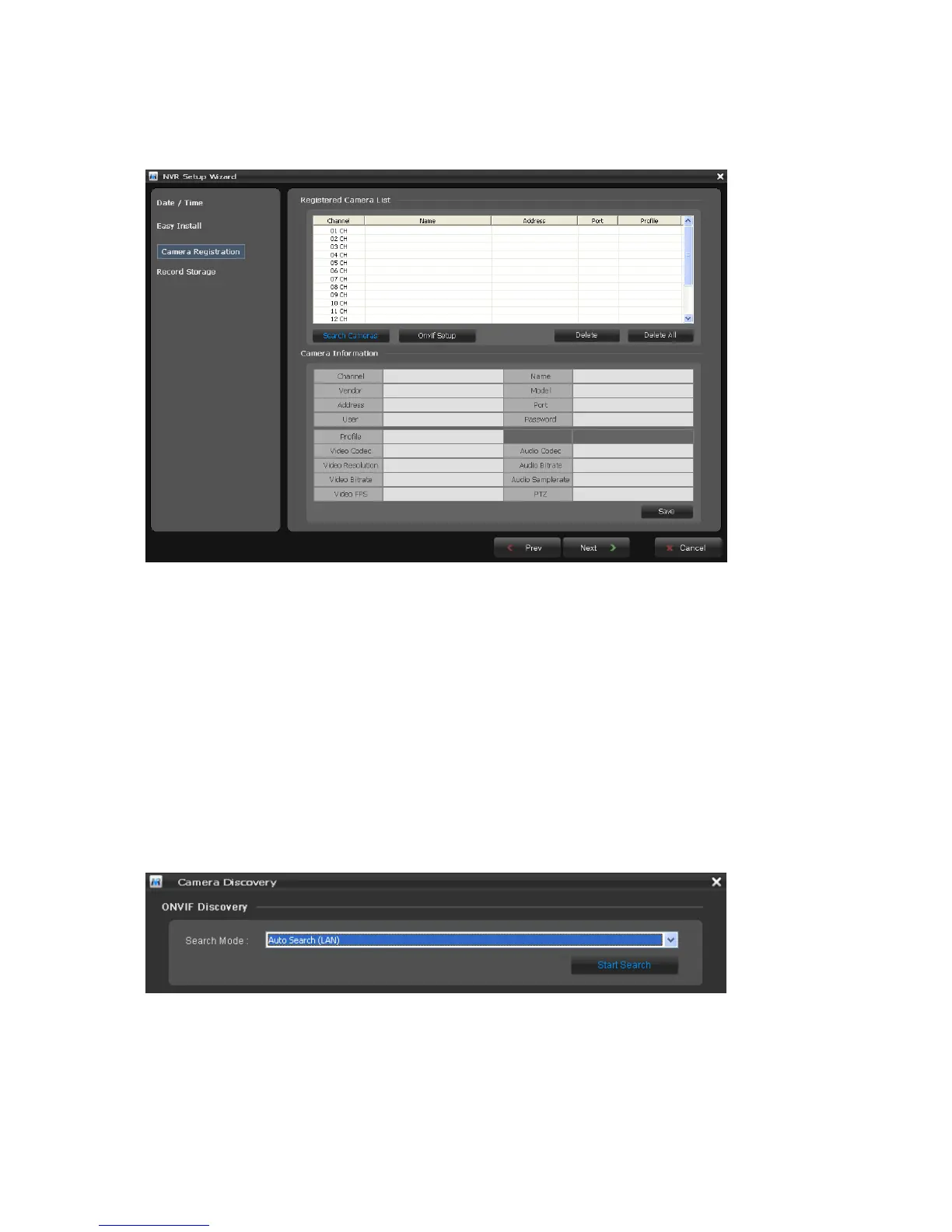
The NVR detects all of IP cameras connected in the intranet and displays in the camera list.
Click the Search Cameras button and the Camera Discovery window appears. Select one of three in
Search Mode and click the Start Search button.
Note: The NVR4 supports only for cameras which use the ONVIF Conformance protocol.
• Search Mode:
- Auto Search (LAN): Lists cameras in a LAN environment.
- IP Search (Single): Allows you to enter the IP address of a device. You can search more than
one device at a time by entering a range of IP addresses.
- Domain Name Search: Allows you to enter the domain name registered on a DDNS server if the
camera uses the DDNS function.



 To Next Page