EdgeMarc 250AE Hardware Installation Guide
12 © 2014 Edgewater Networks. All Rights Reserved.
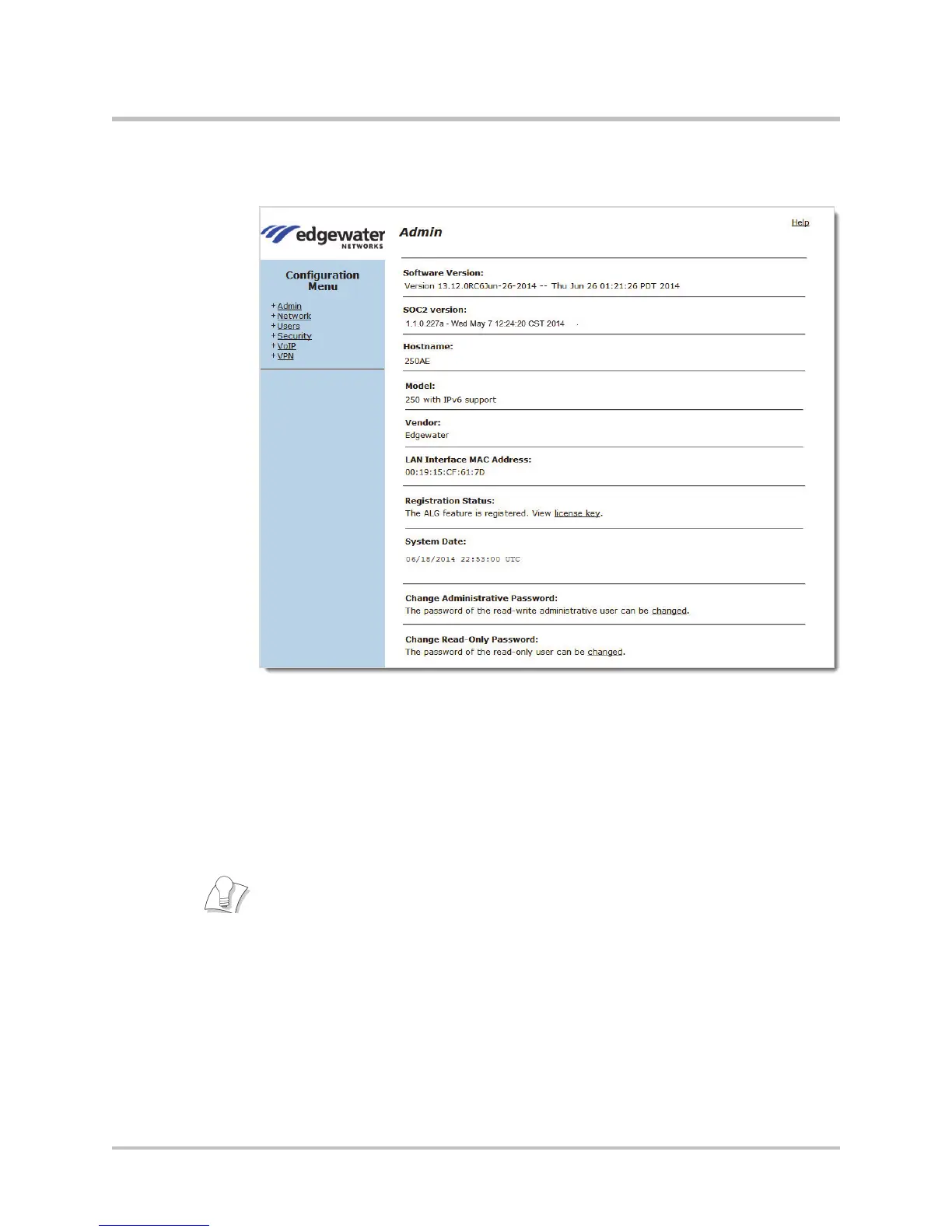
6. Click OK. The EdgeMarc Admin landing page is displayed.
7. Proceed to Changing Your Password.
Changing Your Password
Change your password before setting any system parameters:
Changing the Administration Password
Changing the Read-Only Password
If the root or rouser account passwords need to be reset to defaults, press
the Erase button two times in quick succession on the rear panel of the
EdgeMarc to reset the CLI and GUI password with no service interruption.
Press the Erase button only twice; pressing three times restores the
system to factory defaults.


 To Next Page