5
(position 8) and after a short pause push the button
(position 8) again. To stop playing back push the
button (position 8).
How to read Instructions
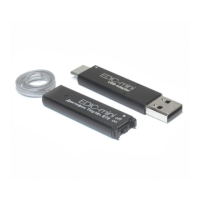
Connect the PC to the USB 2.0 connector with the
help of USB cable (included into the package).
Keep the middle button pressed until the display
reads “USB 2.0 active”. After that the system
discovers a removable media. Open it. Open the
le “Instructions” by double-clicking it.
Battery Installation
To install the battery unscrew the lid (position 10)
and insert the battery into the case up to the stop
(carefully observe the polarity – the positive battery
contact is to be upward). Screw the lid (position
10). In case the Recorder doesn’t turn on after
the battery is installed, push the “Reset” button
(position 11). The Recorder will turn on. Recorder
settings will be saved.


 To Next Page