9
panel. To upload right click on the selected
record and choose «Copy to PC» from the
context menu. The record will be converted
to WAV to be displayed at the right panel.
You can also drag and drop the selected
record from the left panel to the right one.
• Do not disconnect the recorder while
performing any operations in the EMPlus
program. This can cause data corruption
(during such operations the recorder's LED
is ashing).
• When the recorder is connected to the PC,
recording is unavailable. If the recorder
is in record mode, recording stops after
connecting to USB port of the PC.
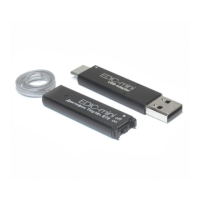
Observe disconnection order: rst disconnect
recorder from USB adapter, then USB adapter
from the PC.


 To Next Page