10
Uploading from the B70
recorder
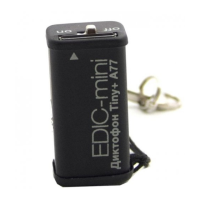
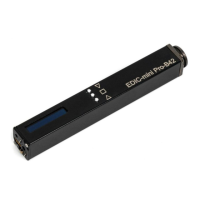
For the model Tiny + B70 slide the recorder's cover
with ash memory in the direction indicated by the
arrow and slide it onto the USB adapter of B70.
Then connect the adapter to the USB port of your
computer.
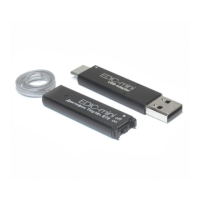
Records are uploaded from the Tiny +
B70 recorders with the help of Reader which
is included into delivery set. Unzip the folder
RMUsbDrv located in the recorder's memory.
If you have USB2.0 driver on your PC, remove
it using the RemoveOlddrivers.exe
program located in the folder RMUsbDrv (in case
you have Windows Vista/7/8, launch the program
as Administrator). Connect Reader to the PC. After
that it suggests installing the driver from the folder
RMUsbDrv through the «Found New Hardware
Wizard» window. Remove Flash memory of
the recorder and insert it into the Reader. Connect
Reader to the PC. Run EMPlus program. Select
connection type Adapter USB 2.0.


 To Next Page