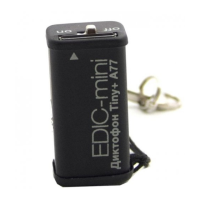
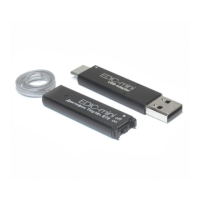
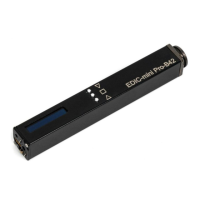
Attention! When installing battery, always observe polarity (see marking on the
Recorder's case). Inappropriate installing of battery may lead to failure of the
Recorder system, which is not covered by the Warranty. Do not store the Recorder for
a long time with a battery inserted, as the battery may leak and lead to Recorder
failure, and that is not covered by the Warranty.
Important!
Use only USB adapter from the delivery set. Using any adapters of other
manufacturers may lead to the Recorder's failure.
Recording
To start recording, shift the Switch to ON position. LED flashes five times, and the
Recorder starts recording. During recording, the LED is flashing by two series of
flashes, the number of flashes indicating:
To stop recording, shift the Switch to OFF position. The LED flashes for 10-12
seconds and the Recorder stops recording.
Connecting the Recorder to the PC
Record Playback
4



 To Next Page