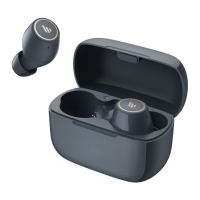
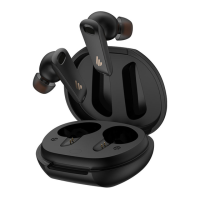
■ Restore to factory settings (use with caution)
● Restoring to factory settings will clear all pairing records
of the earbuds.
• When powered o, respectively press and hold the touch zones of the left
and right earbuds for 8 seconds; when the indicator is steady lit, double click
the touch zone and the indicator ashes twice, then the factory settings have
been restored.
• Please refer to the procedures mentioned in "TWS pairing of the left and right
earbuds" to complete TWS pairing again.
■ FAQs
● No sound
• Check if the earbuds are operating.
• Check if the earbuds volume are at an appropriate level.
• Check if the earbuds are correctly connected with Bluetooth device.
• Check if the earbuds are operating within a normal working range.
●
The call quality of the earbuds are not good.
• Check if Bluetooth device is in an area with strong signal.
• Please ensure the earbuds are within eective distance (10m) and no obstacle
between the earbuds and Bluetooth device.
●
When playing music, cannot control
pause/play/previous track/next track via the earbuds.
• Please ensure the paired Bluetooth device supports AVRCP
(Audio/Video Remote Control Prole) prole.


 To Next Page
 Loading...