Optical and Coaxial Input
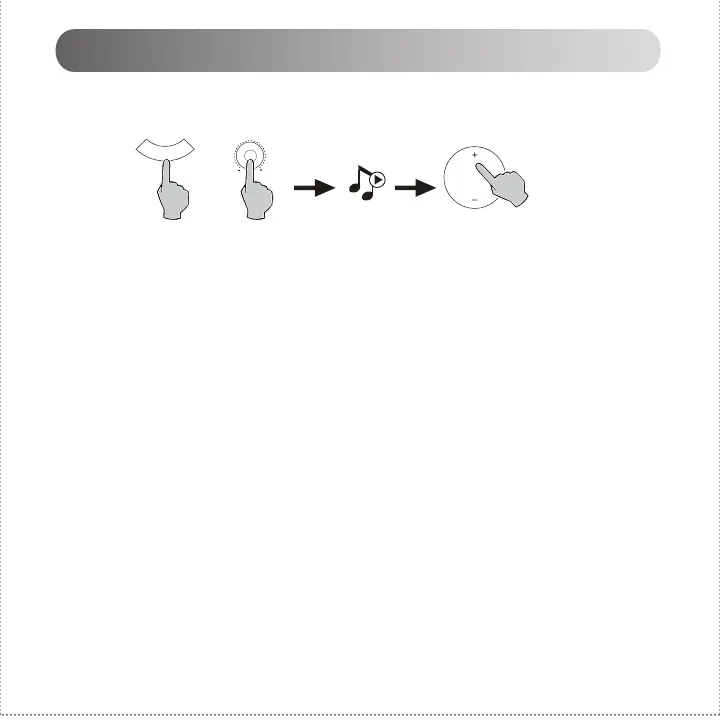
1. Press the volume dial on the active speaker or press the “SOURCE” button on the remote control to
select optical/coaxial input.
2. Using optical or coaxial cable (Coaxial cable not included) to connect audio sources to your speaker.
3. Play from your devices and adjust the volume accordingly.
Note:
1. In optical and coaxial modes, only PCM signal with 44.1KHz/48KHz/96KHz/192KHz can be decoded.
S
O
U
R
C
E
or
10
English


 To Next Page